
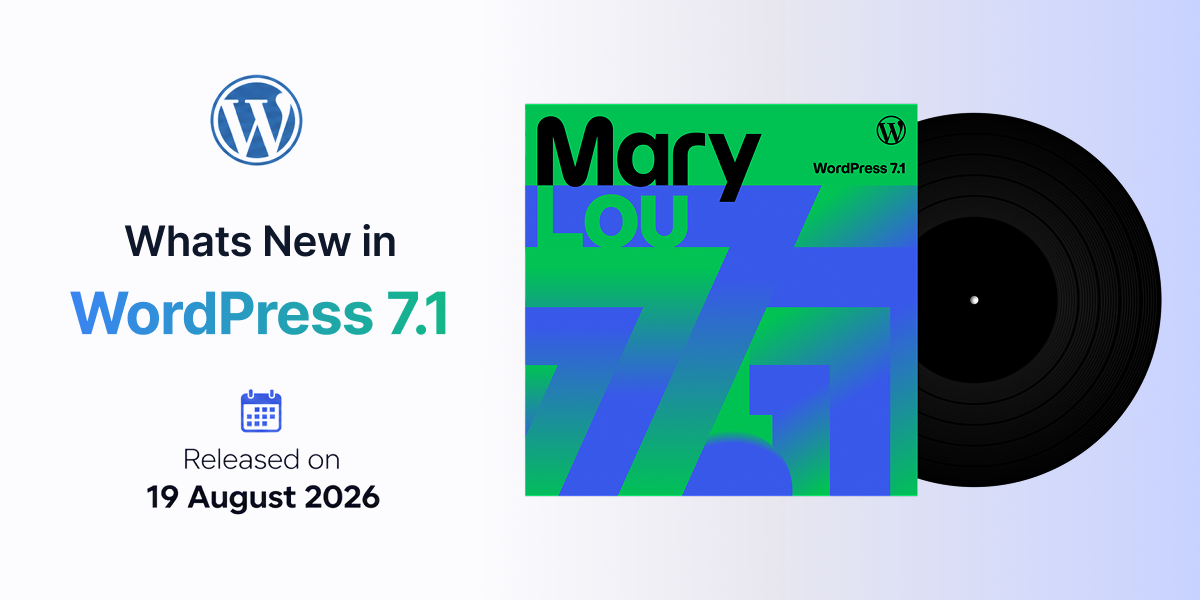

WordPress 7.1 “Mary Lou” includes many technical improvements alongside its user-facing features. This article covers the technical specifications and new capabilities for developers, theme authors, and site builders.
Enhanced Responsive Controls
Theme.json Breakpoints
Block themes can now define custom mobile and tablet breakpoints directly in theme.json. This overrides the default WordPress breakpoints for responsive styles and block visibility, giving theme authors precise control over how layouts adapt.
{
  "settings": {
    "breakpoints": {
      "mobile": "480px",
      "tablet": "768px"
    }
  }
}
Responsive Styling in Global Styles
Developers can now style blocks at different screen sizes directly from Global Styles or individual block settings. This works without custom CSS and can be previewed at various viewport sizes in real time.
New Block APIs
SVG Icon API (Now Public)
The SVG Icon API is now a public API. Developers can register custom icon collections and use them throughout the editor:
This allows plugin and theme developers to extend WordPress’s built-in icon library with their own collections.
Pseudo-State Styling
Theme authors can now style Button blocks for different states directly through theme.json.
{
  "styles": {
    "blocks": {
      "core/button": {
        "pseudoStates": {
          "hover": { "color": { "background": "#0073aa" } },
          "focus": { "color": { "background": "#005a87" } },
          "active": { "color": { "background": "#004466" } }
        }
      }
    }
  }
}
These styles can be applied to individual buttons or globally to all buttons.
Abilities API
Building on the infrastructure from WordPress 6.9, the Abilities API now includes:
This makes it easier to build integrations and automation on top of WordPress, including AI-powered tools.
New Design System
WordPress 7.1 introduces a new Design System for theming admin interfaces:
Semantic Design Tokens
ThemeProvider React Component
Developers can use the ThemeProvider component to bring consistent styling to custom admin interfaces while maintaining the WordPress look and feel.
Browser-Based Image Processing
WebAssembly Implementation
Image compression, resizing, and thumbnail generation now run in the browser using a WebAssembly build of libvips. This has several benefits:
Opt-In GIF-to-Video Conversion
GIFs can be converted to video format, typically producing much smaller files while preserving animation quality.
Upload Improvements
New Media Formats
WordPress 7.1 natively supports:
These formats are already used by modern cameras and phones, so they work out of the box.
Editor Architecture Changes
Fully Iframed Post Editor
The post editor is now fully iframed for all themes, matching the Site Editor. This change:
The editing canvas runs separately from the WordPress admin interface, so viewport-relative units and media queries target the editing canvas directly.
Accessibility Improvements
New Tooltip Functions
These functions bring accessible tooltips to more admin areas, including:
Improved Screen Reader Support
Media Library Updates
Infinite Scrolling
The Media Library now uses infinite scrolling by default. Users can opt to return to traditional pagination through a per-user setting.
Speculative Loading
Defaults for speculative loading can now be configured through:
This gives hosts and site owners control over how WordPress prefetches pages without requiring a plugin.
DataViews and DataForm
New filters are available for configuring the DataViews and DataForm screens that power:
These provide more flexibility for theme and plugin developers to customize admin interfaces.
Summary
WordPress 7.1 “Mary Lou” introduces significant technical improvements across:
These changes make WordPress more powerful and flexible for developers while creating a better experience for all users.

Leave a Reply