

We have some exciting news to share! Today, we are officially launching Real Testimonials 4.0.0.
This is our biggest update ever. We listened to your feedback and completely rebuilt Real Testimonials to make it faster, easier, and more powerful.
Whether you want to collect reviews, show them off in beautiful ways, or help visitors find the right feedback, Real Testimonials 4.0.0 has you covered.
Here is a simple breakdown of everything new.
A Fresh, Faster Dashboard for You
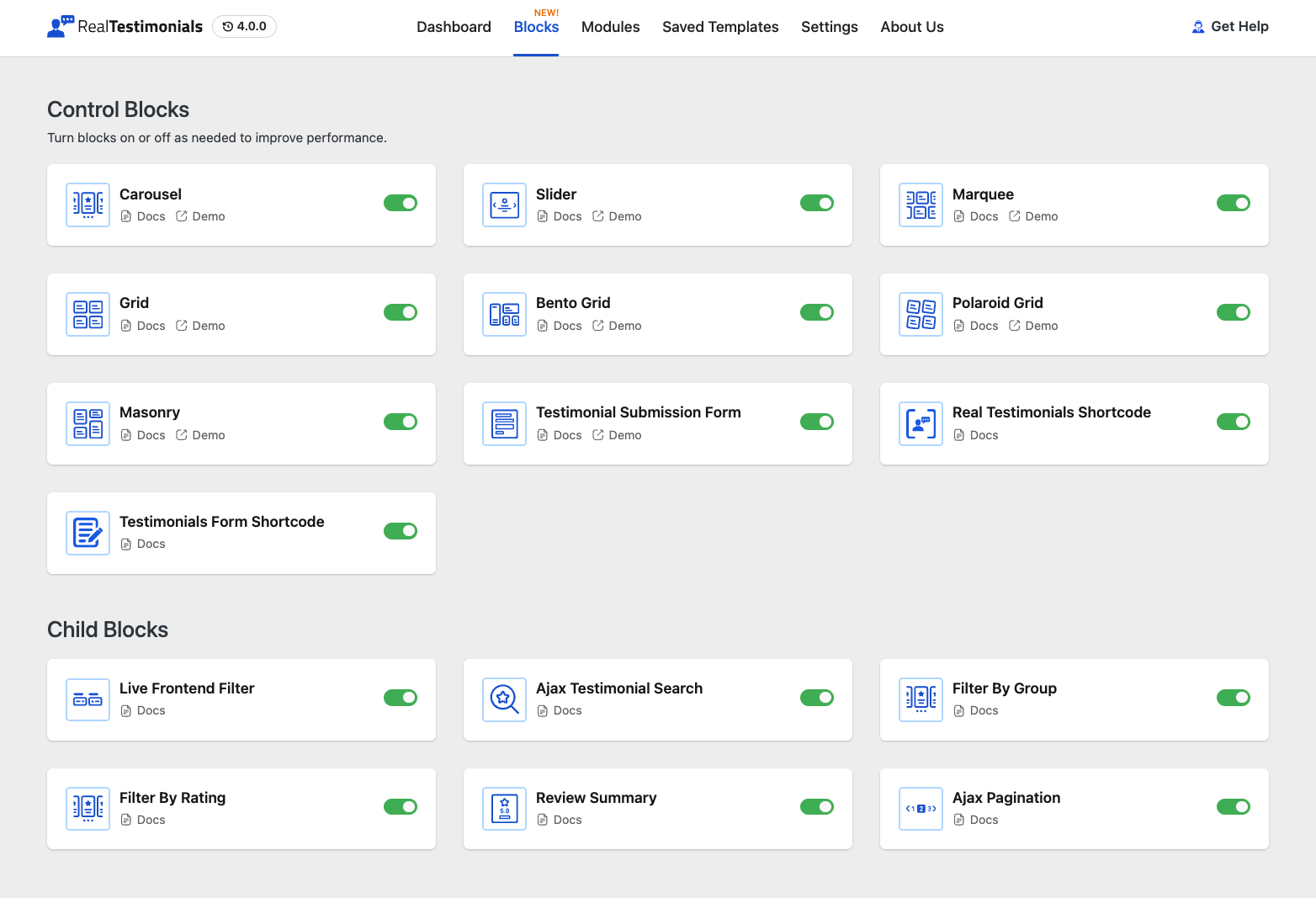
We completely redesigned the dashboard. It is now powered by React, which means it feels much faster and smoother.
Instant Designs with 225+ Ready-Made Patterns
Don’t want to build from scratch? We created a library with over 225 ready-made patterns. You can just click one, and it will instantly look great on your site.
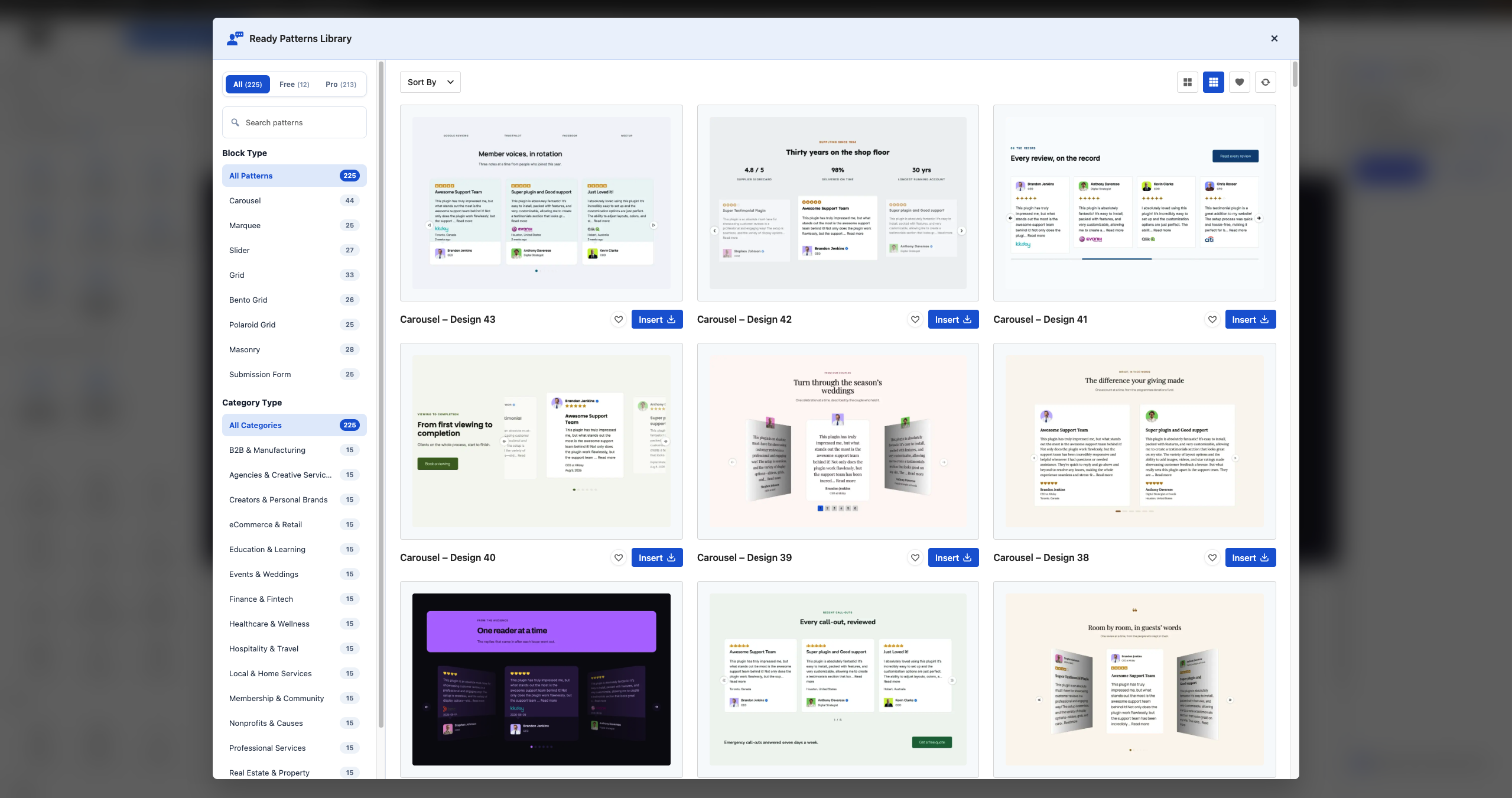
You can also save any block as a template and reuse it anywhere on your website using a simple shortcode.
Works with All Your Favorite Page Builders
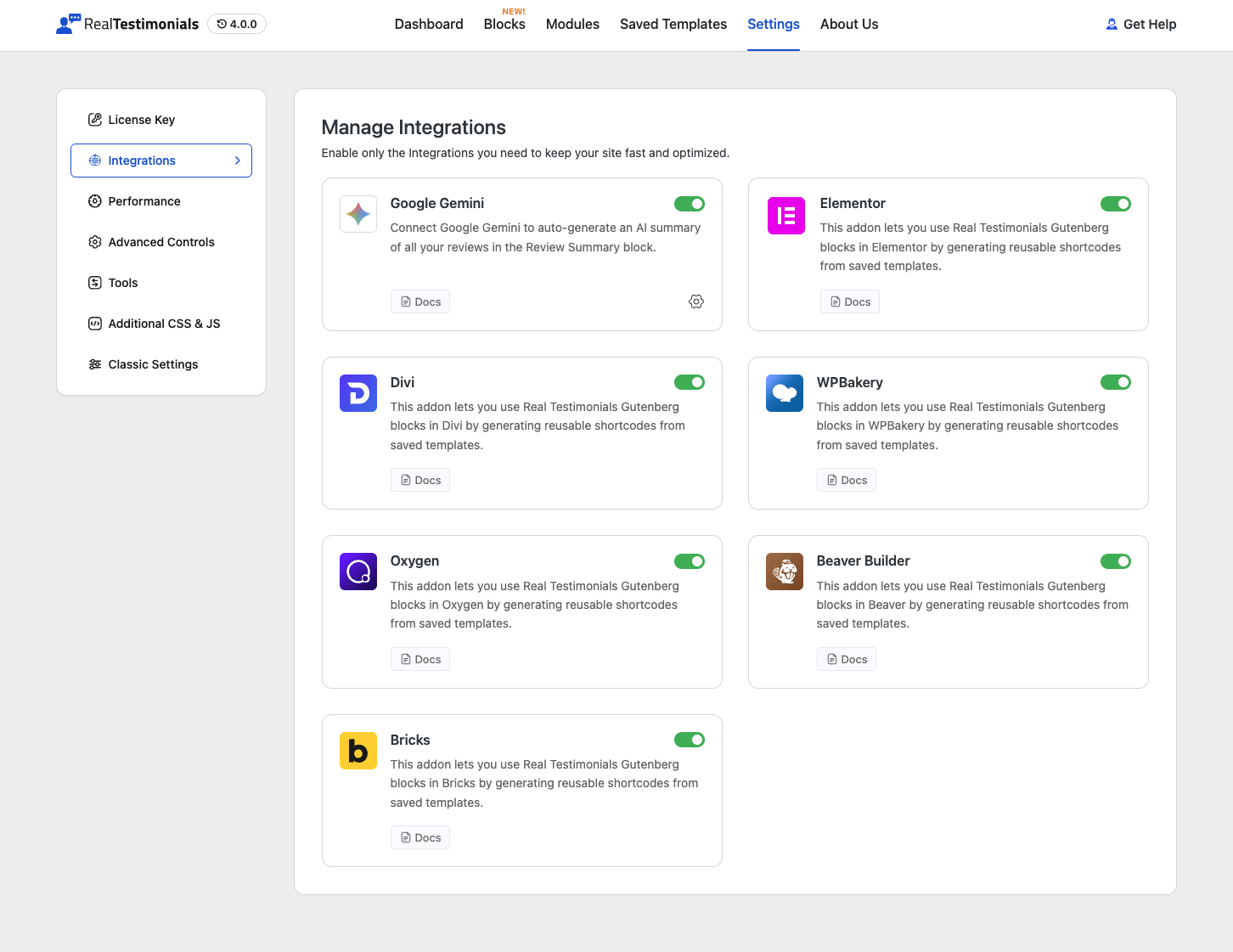
We know you love your page builders. That is why Real Testimonials 4.0 now works perfectly with Divi 5, Elementor, Beaver Builder, Bricks, Oxygen, and WPBakery. You can now drag and drop our blocks right inside those tools.
Smart Features Powered by AI & SEO
We added some “smart” tools to save you time:
AI-Powered Summary
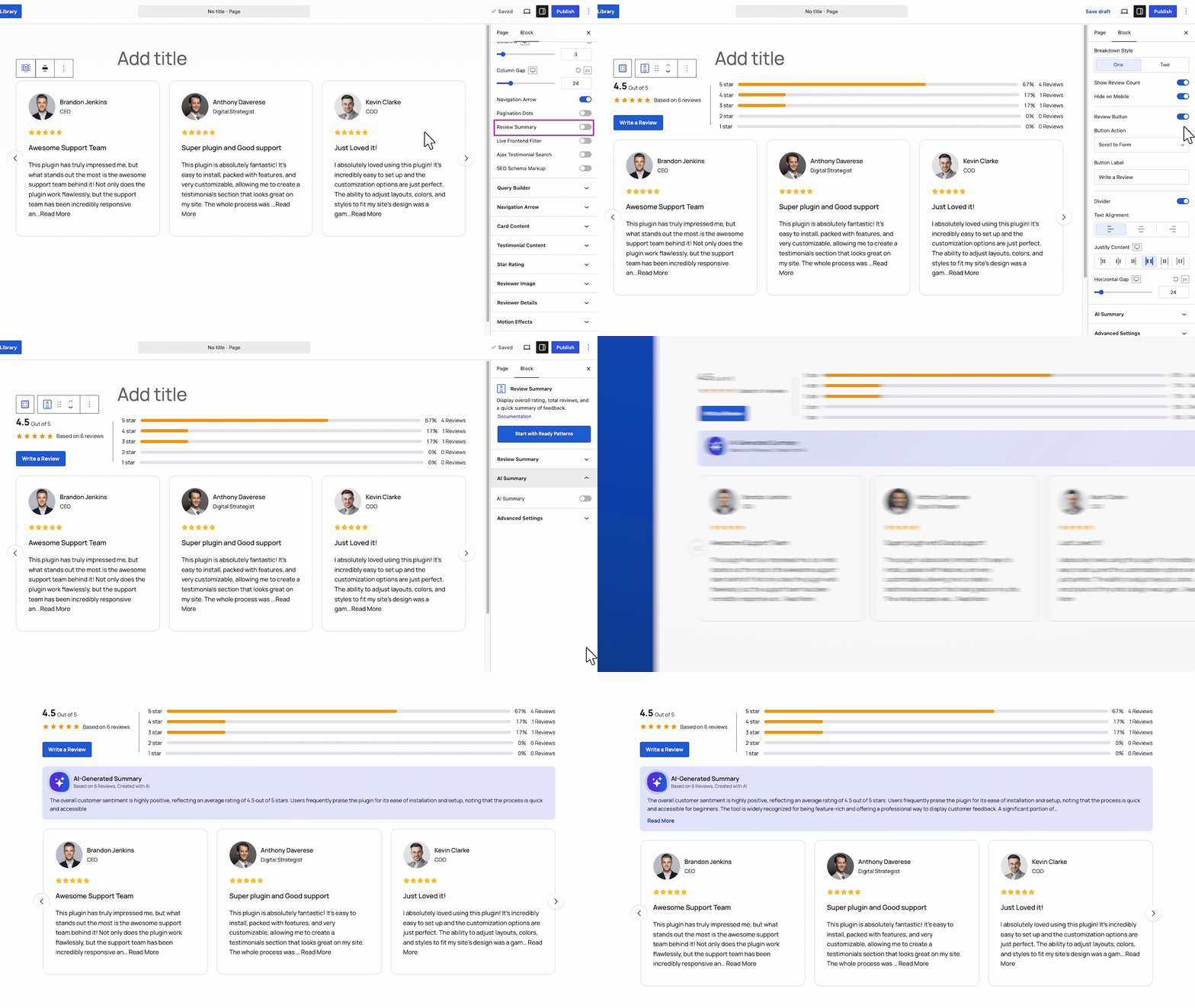
Our new AI integration, powered by Google Gemini, completely automates the way you summarize customer feedback. When enabled in the Review Summary block, this smart feature reads all your testimonials, identifies common themes, recurring praises, and any concerns, and then generates a concise, human-style paragraph or bullet points.
It captures the overall sentiment of your customers — all without any manual writing on your part. Best of all, this AI summary updates automatically whenever a new review is added, ensuring your “What customers are saying” sections, hero summaries, or executive dashboards always display an accurate and fresh overview of your social proof.
Schema Markup for Better SEO
Did you know your testimonials can actually help your website stand out in Google search results? Our new SEO Schema Markup module adds invisible structured data (JSON-LD) to your pages, enabling search engines to understand your reviews and display them as eye-catching rich snippets—complete with star ratings right under your page title.
It works by injecting an AggregateRating (your overall score and review count) along with individual Review items containing the author name, rating, testimonial text, and publication date into your page footer. When Google picks up this data, your search listing transforms from plain text into a trust-building badge that grabs attention, which significantly boosts your click-through rates—all without changing a single thing your human visitors see.
Testimonial Submission Form
Want to get more reviews? We made the submission form much better.
The new Testimonial Submission Form comes with a drag-and-drop builder. You can add any field you want, like name, email, or star rating. Plus, we added spam protection (reCAPTCHA) to keep your site safe.
Live Search and Filters
If you have many testimonials, searching through them can be hard. Not anymore!
We added a live search bar and live filters. Your visitors can now easily sort reviews by rating or by specific groups (like “Product A” or “Service B”). The page updates instantly—no reloading required.
Entrance Animations
You can also add entrance animations. Your testimonials will now fade, slide, or pop into view as visitors scroll down the page.
Choose Your Perfect Display Style
Now, you can pick from 15+ new Gutenberg blocks (7 new display blocks) to match your website’s look. How do you want your testimonials to look? Pick the style that fits your vibe.
Carousel
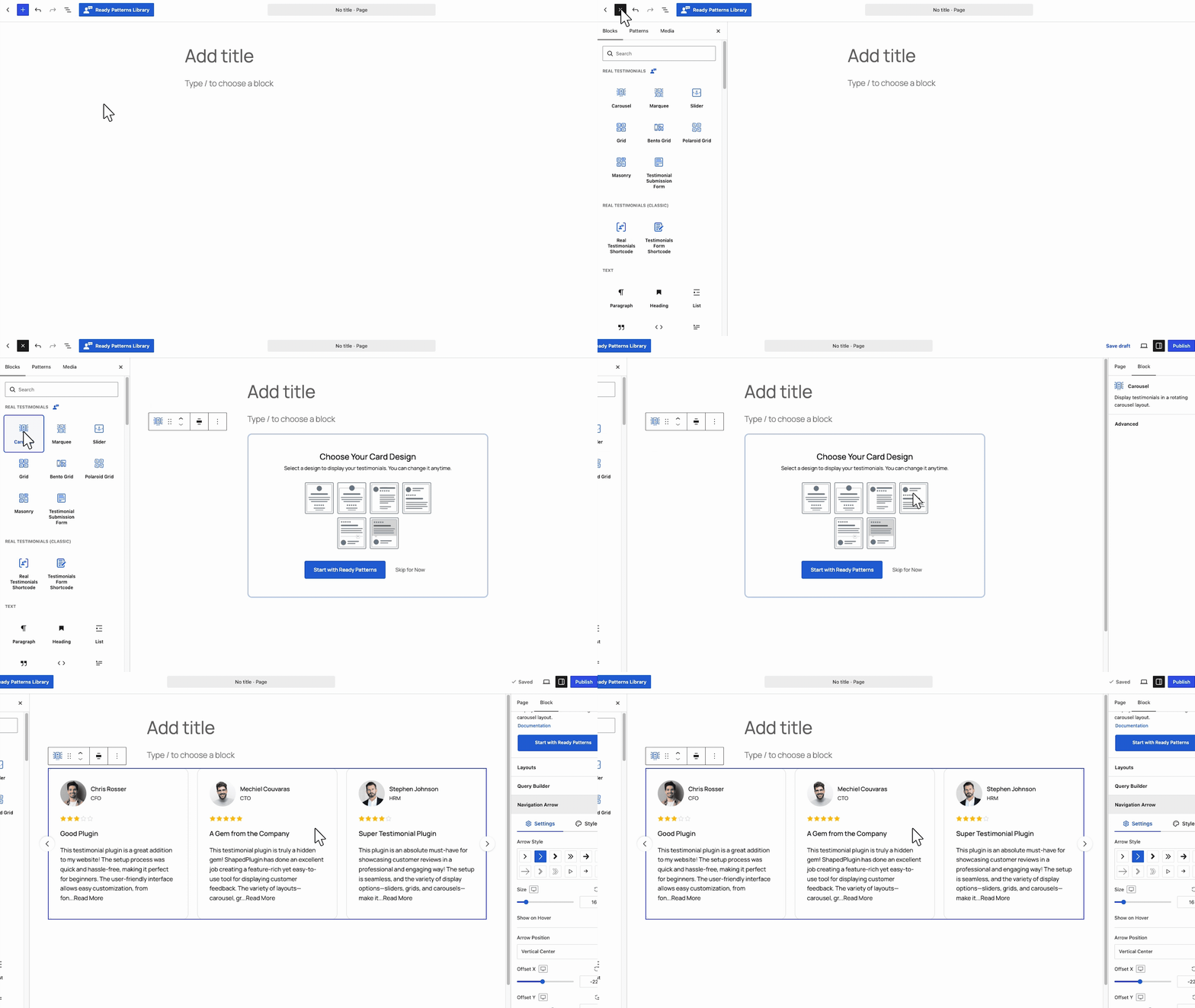
Think of it like a rotating billboard. It shows several reviews in a circle, and visitors can click arrows or dots to scroll through them. Great for saving space while showing lots of praise.
Slider
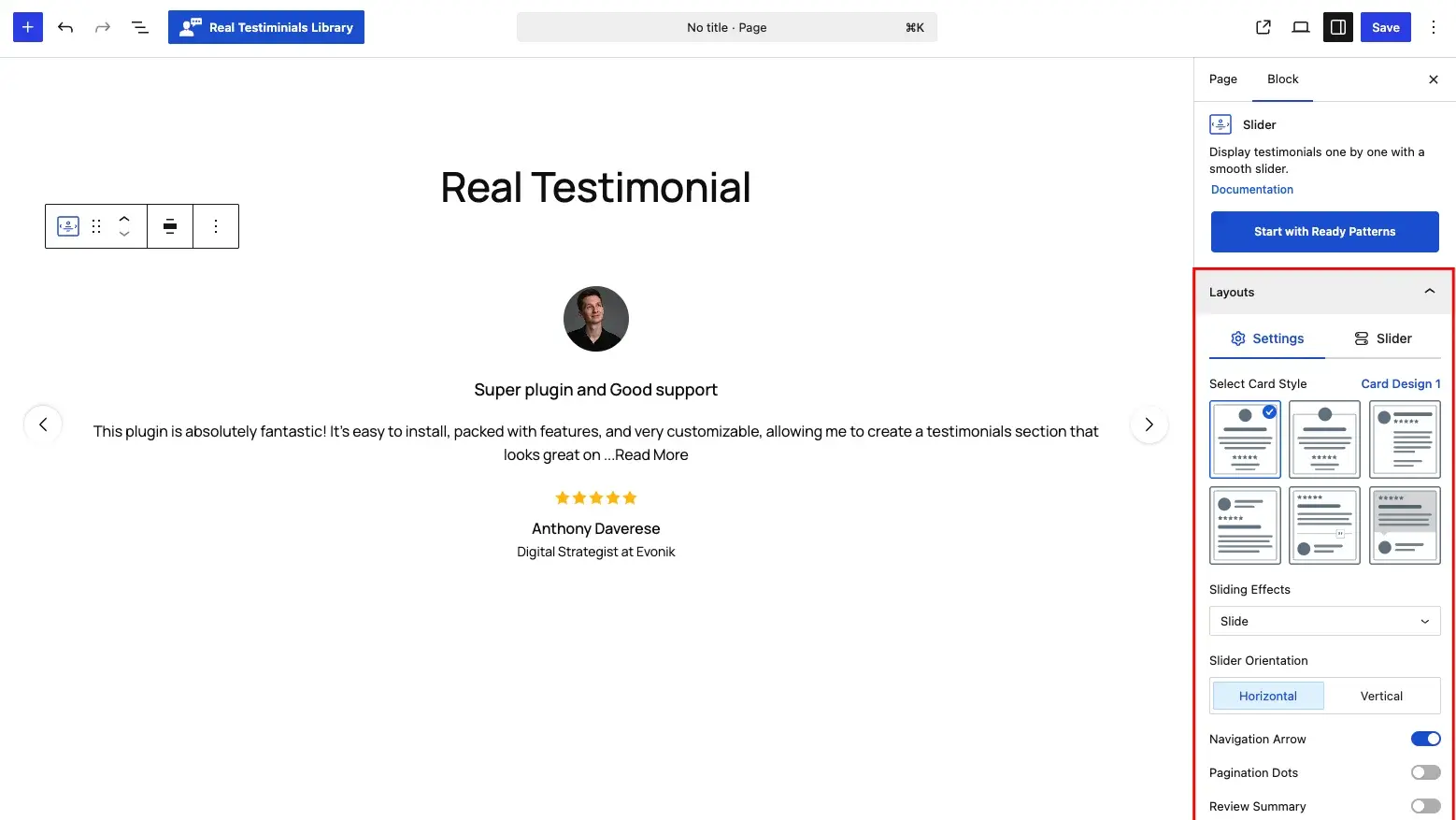
This one puts a single review in the spotlight, like a main headline. It supports fancy transitions (like zoom effects) and is perfect for making one strong quote stand out on your homepage.
Masonry
If your reviews are all different lengths (some long, some short), this is your best friend. It fits them together like a Pinterest board—shorter cards tuck nicely under taller ones, with no wasted space.
Marquee
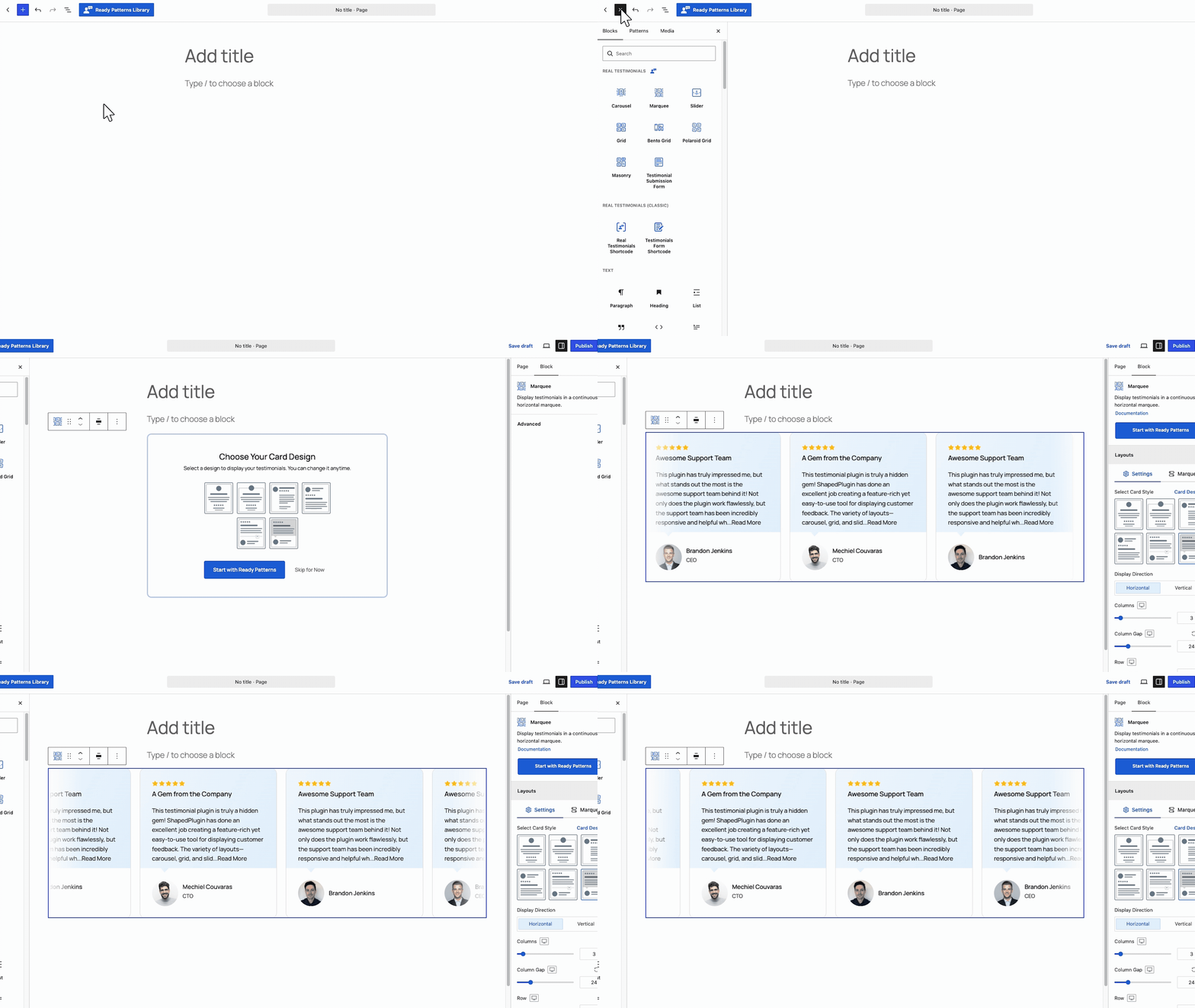
This creates a non-stop scrolling ticker—like stock market text, but with happy customer quotes! It never stops moving, which makes it a lively way to pack a lot of social proof into a small strip at the top or bottom of your page.
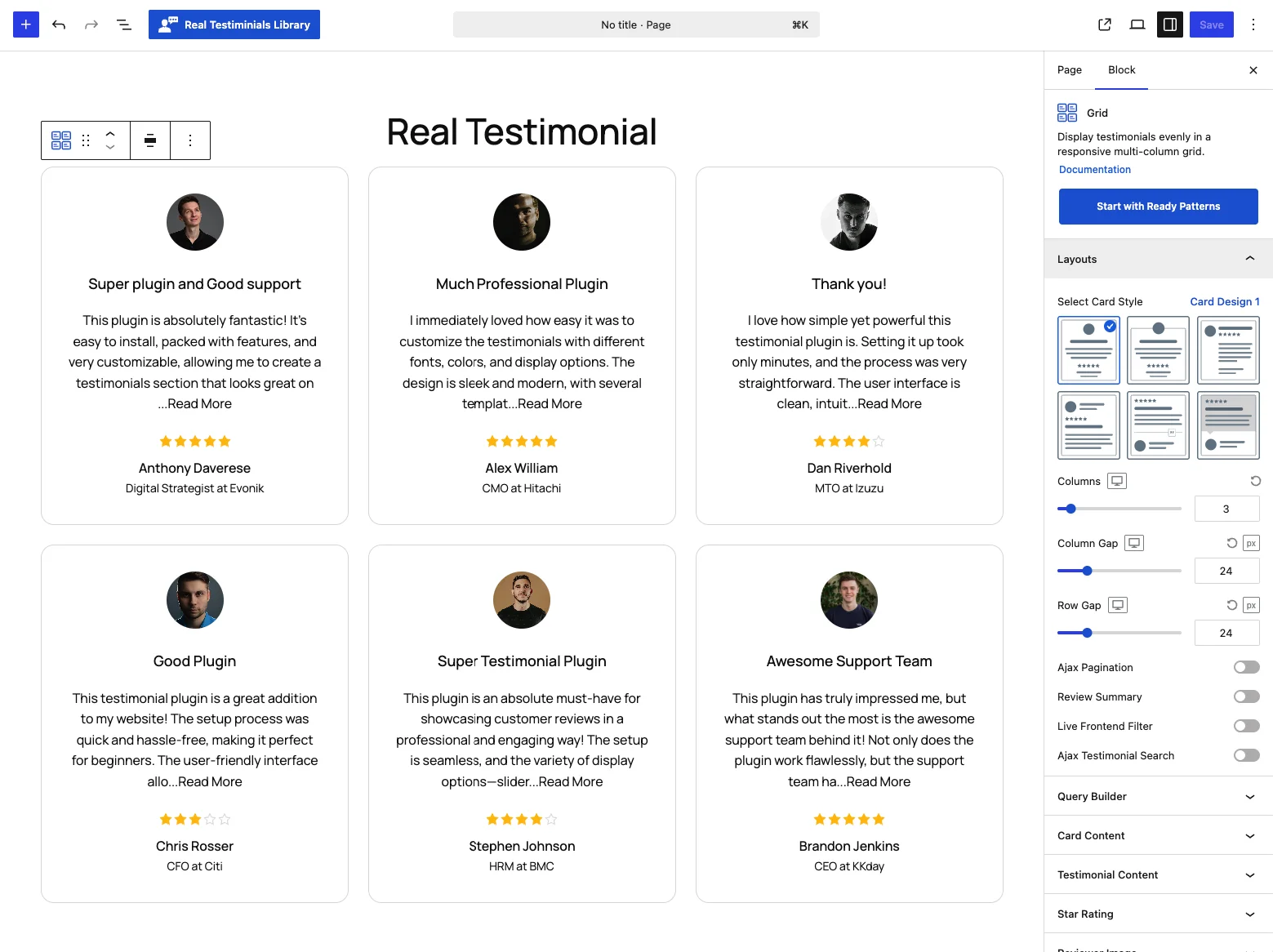
Grid
Arrange your reviews in neat, even rows and columns. It is clean, organized, and adjusts perfectly to any screen size (phones, tablets, or desktops).
Bento Grid
Inspired by Japanese bento boxes, this mixes big and small cards together for a stylish, magazine-like look. Your reviews section will look professionally designed, not like a basic template.
Polaroid Grid
This makes each review look like an old instant photo print. The reviewer’s picture is front and center, with the quote below. It feels warm, personal, and photo-first.
And Lots More…
We also added:
How to Get Started
Updating is easy! Just go to your WordPress dashboard and click “Update” for Real Testimonials.
We have tested everything thoroughly to make sure it works smoothly with WordPress 7.1.
We are so proud of this release. A huge thank you goes out to our users — your suggestions made this update possible.
Go ahead and update today. We can’t wait to see how you use these new tools to make your testimonials shine!
Have questions?
Our support team is always ready to help. Just reach out!

Leave a Reply