
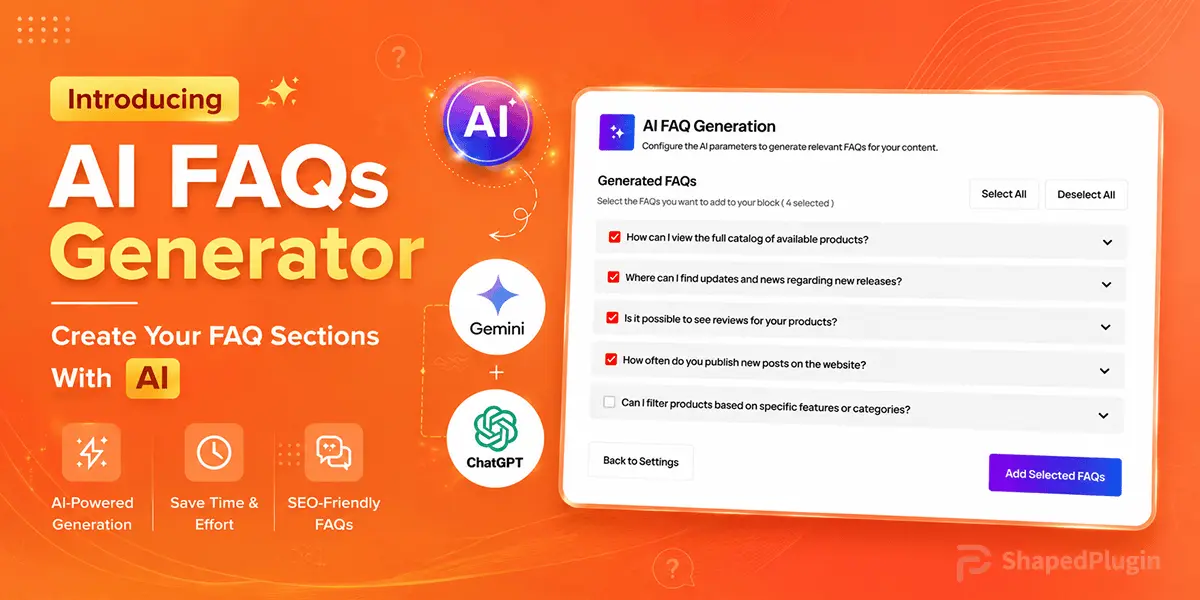

Are you still creating FAQ sections manually for customer support or product queries? In the age of AI, WordPress FAQ generation has become faster and more efficient with AI.
Whether you run a WordPress site or a WooCommerce store, writing FAQs manually often takes hours of research, structuring, and editing. Now you can generate complete FAQ sections in seconds using a topic, keyword, or webpage URL— directly inside WordPress.
To simplify this process, Easy Accordion is introducing the AI FAQ Generator, a smarter way to automatically create structured, ready-to-publish FAQ sections using AI.
What is the AI FAQ Generator?
The AI FAQ Generator creates structured, ready-to-use FAQ sections instantly for any website, including businesses with WordPress. It allows you to generate relevant questions and answers based on the content, helping you to reduce manual work while improving user experience and SEO.
You can generate FAQs from:
- Topics or keywords
- Blog posts
- Product pages
- Documentation URLs
- Service pages
Simply enter a topic or paste a URL. The system analyzes the content and generates a complete FAQ section that can be directly used in accordion blocks, with a fully structured Q&A format optimized for publishing and search visibility.
Why Use AI FAQ Generation?
AI-powered FAQ generation helps streamline content creation by automatically producing structured, relevant question-and-answer sections from your existing content.
- Faster FAQ Creation: Automatically turns topics or pages into structured FAQs, removing the need for manual question writing and research.
- Better Coverage of User Intent: AI generates questions users actually search for, including variations that you might miss manually.
- SEO-Ready Structured FAQs: Well-formed Q&A sections support FAQ schema and help search engines better understand page content.
- Consistency Across Content: Keeps tone, structure, and formatting uniform when generating FAQs for multiple products or articles.
- Reduced Support Load: Pre-answers common questions on pages, reducing repetitive customer queries and support tickets.
Moreover, the generated FAQs are fully editable, so you can customize questions, answers, and formatting before publishing.
Who Can Benefit from AI FAQ Generation?
If you are a blogger, running a WooCommerce store, managing a SaaS website, working in an agency, maintaining documentation sites, or building product landing pages, AI-generated FAQs help you create support content faster, improve user engagement, and simplify your content workflow.
4 Easy Steps to Generate FAQ Sections with AI
To create FAQ sections automatically, you need a FAQ builder plugin like Easy Accordion. It has a newly introduced AI FAQ Generator, making it easy to generate unlimited FAQs in seconds. To enable it and generate FAQs, simply follow the steps below.
Step 1: Get Easy Accordion & Enable FAQ Generator
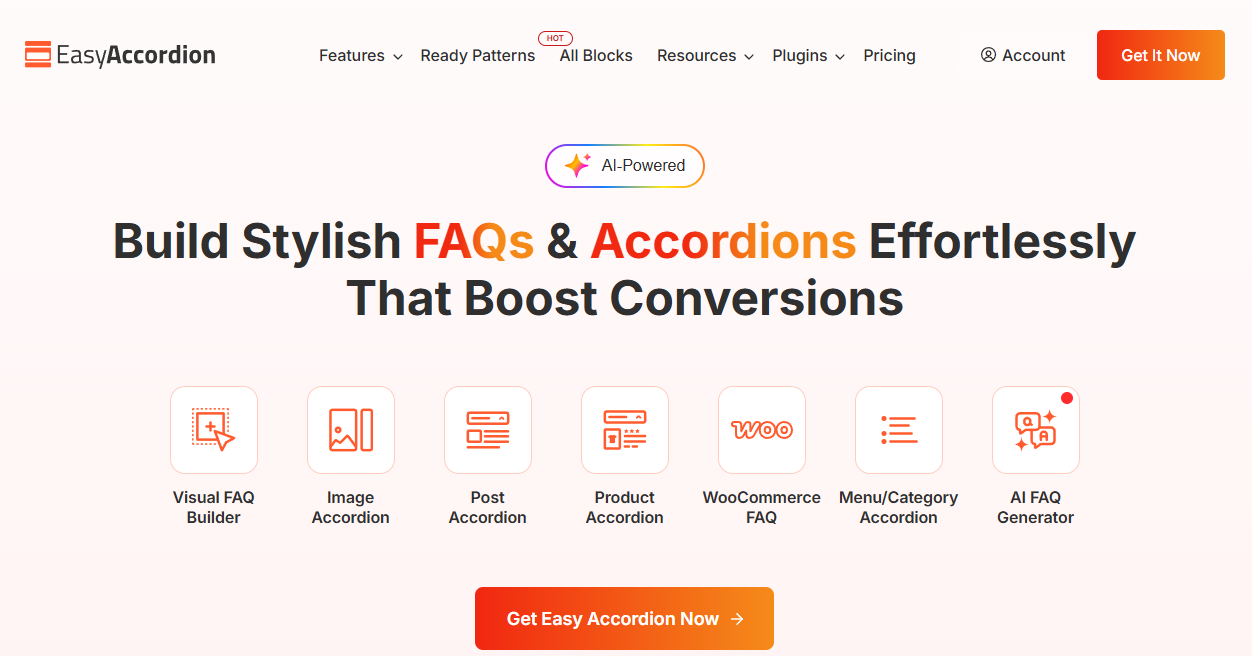
Easy Accordion is the world’s #1 WordPress FAQ Builder & Accordion plugin. It is trusted by 100,000+ users and comes with multiple Accordion & FAQs templates, including Vertical, Horizontal, Image, Slider, Post, Product, Media, Menu, Category, Sidebar Tab & Nested/Multi-level styled accordions.
With newly designed Gutenberg-friendly Accordion blocks, AI FAQ Generator, 70+ ready patterns, templates, featured icons, badges, animations, schema support, and rich customizations, it makes creating FAQ sections effortless.
To get started, install and activate Easy Accordion on your WordPress site and follow the quick setup guide to create responsive FAQs in minutes.
To enable the FAQ Generator, please read this quick and easy guide.
Step 2: Create Your First FAQ Section
Create a new FAQ section where your generated questions and answers will be added.
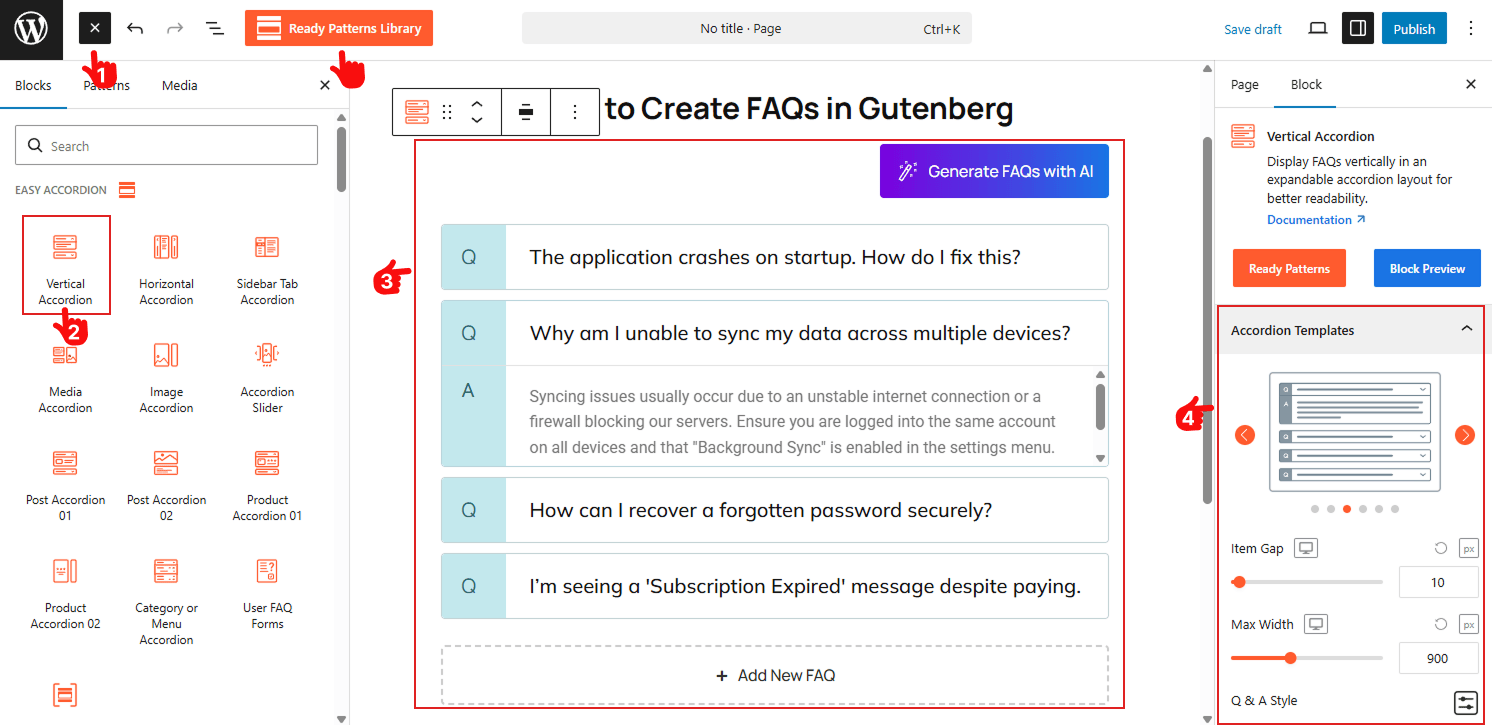
- Open the page or post you want to add FAQs to in the Gutenberg editor.
- Search for the Easy Accordion blocks or use the Pattern Library, and find Vertical or Horizontal Accordion.
- Insert into the Gutenberg Editor and customize as needed with visual panels.
- Choose from modern templates, including Standard, Numbered, Q & A, Timeline, and Minimalist styles to fit your brand.
Good news, if you’re moving to Gutenberg: Read how to create your FAQ Sections in Gutenberg.
Step 3: Enter a Topic or URL & Generate FAQs
Now it’s time to create your FAQs automatically. Follow these simple steps:
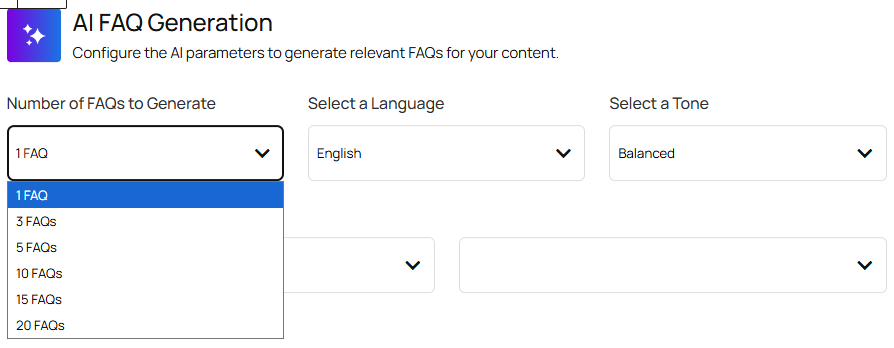
- Number of FAQs: Set how many Q&As you want to generate per run (e.g., 5, 10, 15).
- Preferred language: Choose the output language for your FAQs.
- Content tone: Select the writing style, such as Professional, Friendly, Informative, or Humorous.
- Content source: Pick where the AI will pull information from (Posts, Pages, or Products).
- Keywords & focus area: Add topics or main keywords (e.g., “WordPress Security”, “Shipping Policy”) to guide the generation.
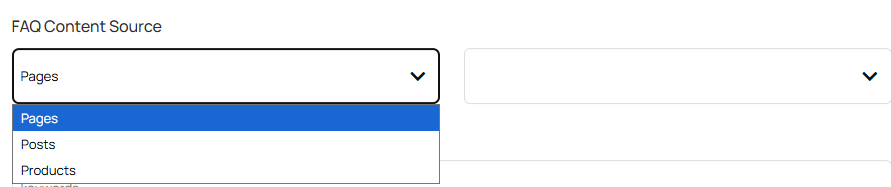

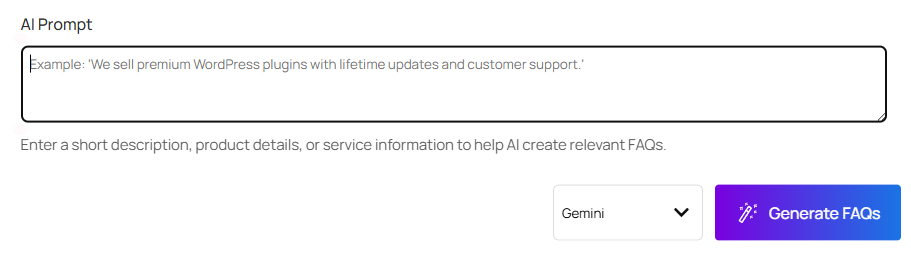
- Custom AI prompt: Add extra instructions for specific format, tone, or rules if needed.
- Start generating FAQs: Click Generate FAQs to create automated FAQ content instantly.
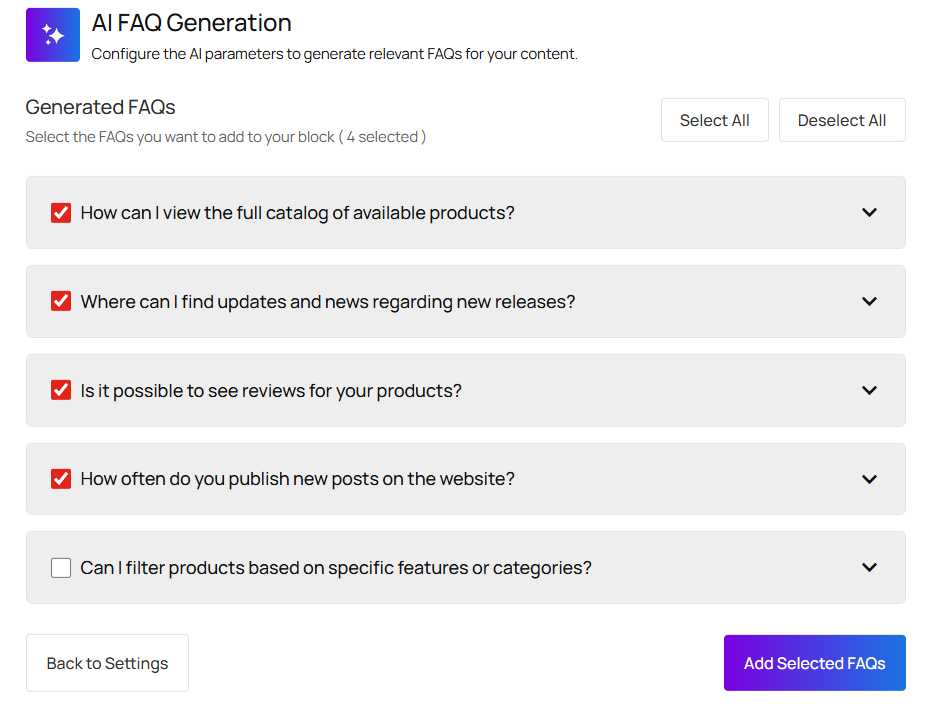
Step 4: Filter, Delete & Insert FAQs
After generating your FAQs using AI, you can review the results, edit any questions or answers, insert the ones you need, and delete any irrelevant FAQs as required.
If still confused about how to use it, let’s watch the Video Tutorial.
Final Thoughts
Stop spending hours building FAQs; you can now generate relevant accordion-ready content in seconds using AI.
So, why wait? Download Easy Accordion today, and start creating FAQ sections with AI faster than ever.

Leave a Reply