

A WooCommerce upsell plugin helps you suggest the right add-on at the right moment. This guide compares the 10 best WooCommerce upsell plugins, free and paid, for store owners who want more control over upsells, cross-sells, and post-purchase offers than WooCommerce gives by default.
WooCommerce lets you assign upsells and cross-sells, but its built-in settings give you limited say over where offers appear and how they look. A WooCommerce upsell plugin can put those suggestions on product pages, in the cart, at checkout, or after a purchase.
For each plugin, you will see what it does, where it shows offers, what it costs to get started, and when it makes sense for your store.
Key Takeaways
- ShapedRecommend handles upsells, cross-sells, related items, and Frequently Bought Together offers.
- FunnelKit and CartFlows focus on checkout flows and offers after purchase.
- CheckoutWC changes the checkout experience and adds offers through paid plans.
- UpsellWP and WP Swings support cart or checkout offers and post-purchase campaigns.
- Merchant brings several store-selling tools into one modular plugin.
- YITH and WebToffee are useful when you mainly want to suggest related products.
- WooCommerce Product Recommendations provides detailed recommendation rules for larger catalogs.
- Start with the offer location and features you need, then check which ones require a paid plan.
Quick Comparison of WooCommerce Upsell Plugins
| Plugin | Best for | Plugin functionality placement | Free option | Price |
|---|---|---|---|---|
| ShapedRecomend | Product recommendations | Product, shop, category, cart; more in Pro | Yes | $69/year |
| FunnelKit | Custom checkout funnels | Checkout, post-purchase, thank-you | Yes | $129/year |
| CartFlows | Sales and checkout flows | Product, checkout, post-purchase | Yes | $149/year |
| Upsell Funnel Builder by WP Swings | Order bumps and upsell funnels | Checkout, post-purchase | Yes | $89/year |
| UpsellWP by Flycart | Cart and checkout offers | Product, cart, checkout; more in Pro | Yes | $75/year |
| Merchant by aThemes | Multiple selling tools | Product, popup, side cart | Yes | $99/year |
| YITH Frequently Bought Together | Product pairs and bundles | Product and shortcode locations | Yes | €79.99/year |
| CheckoutWC | Checkout design and offers | Checkout, side cart, post-purchase | Yes | $249/year |
| WebToffee Related Products | Related product sections | Product and shortcode locations | Yes | $89/year |
| WooCommerce Product Recommendations | Catalog-wide recommendation rules | Shop, product, cart, checkout | No | $99/year |
What Is a WooCommerce Upsell Plugin?
An upsell suggests an alternative that costs more or offers more value. Think of a customer looking at a laptop with 8GB of RAM. You could show a 16GB model alongside it. A cross-sell suggests a separate item that goes with the purchase, such as a laptop bag.
A WooCommerce upsell plugin helps you choose those offers and display them at the point where shoppers are likely to notice them. Some plugins focus on the product page. Others work during checkout or after the order goes through.
Upsell vs. Cross-Sell vs. Order Bump
| Offer | What customers see | Example |
|---|---|---|
| Upsell | A higher-value alternative | A 16GB laptop instead of an 8GB model |
| Cross-sell | A useful extra item | A laptop bag |
| Order bump | A small optional add-on at checkout | Gift wrapping for $5 |
The right offer depends on the product. Someone comparing laptops may want an upgrade. Someone about to pay may prefer a small accessory they can add with one click.
10 Best WooCommerce Upsell Plugins (Free and Paid)
The plugins below cover different parts of the shopping journey. Each review explains the useful features, the developer’s performance claims, the main drawbacks, and the stores that could benefit.
We looked for actively maintained plugins that work with current WooCommerce versions and cover at least one upsell placement, such as the product page, cart, checkout, or post-purchase. We then compared each one on the same points such as offer types, where offers appear, what the free version includes, and the regular price listed on their
1. ShapedRecommend
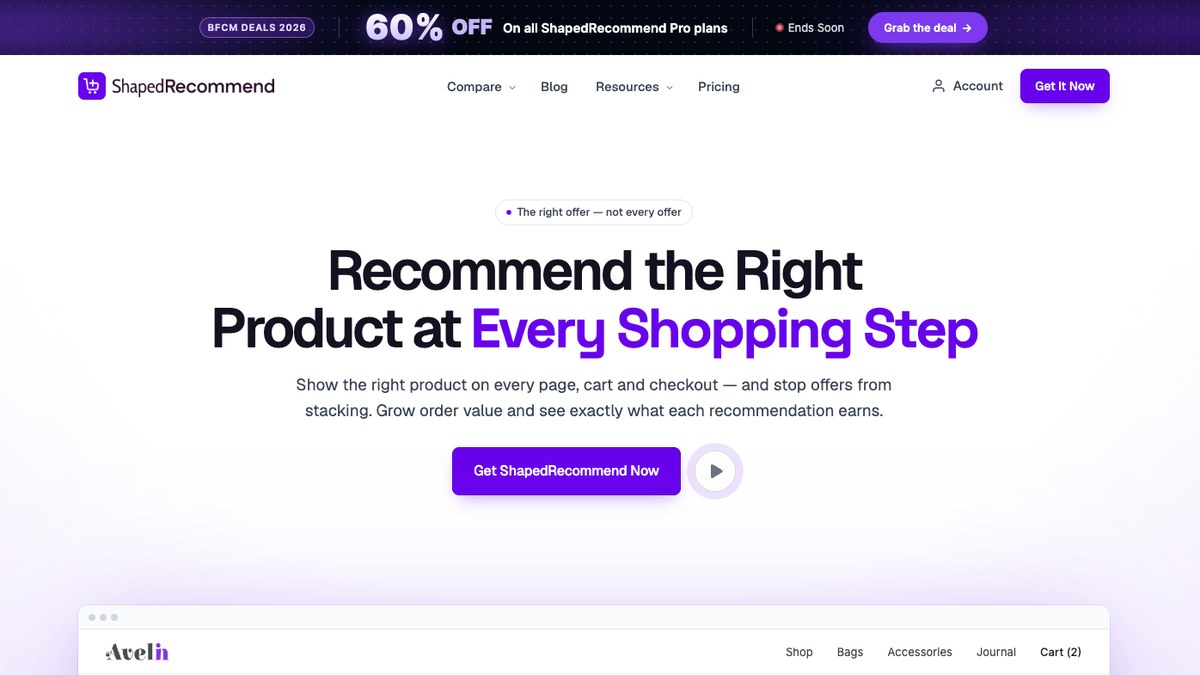
ShapedRecommend helps you suggest products based on what someone is viewing or has put in their cart. It handles upsells, cross-sells, related products, and Frequently Bought Together offers. You can decide which items qualify and how the offers appear.
One rule can work across many products. If you sell several phone models, for instance, you can use a shared rule to suggest compatible accessories rather than editing every phone page.
Features
- Show several recommendation types so customers can discover useful extras or product upgrades.
- Choose products by category, tag, price, or stock status instead of assigning every suggestion by hand.
- Display offers in grids or lists, with carousel, bundle, single-offer, popup, slide-in, and mini-cart panel styles in Pro. In total, 8 display styles.
- Use Recommendation Manager to limit repeated products and avoid filling a page with the same offers.
- Check views, clicks, conversions, and attributed revenue to see which recommendations lead to orders.
- Place offers through WooCommerce positions, shortcodes, or Gutenberg blocks to fit your store layout.
You could set up a phone-accessory rule once and reuse it across the phones in your catalog. Each page then shows products that match the rule.
Performance
The WordPress.org listing says ShapedRecommend processes its recommendations efficiently and loads storefront scripts only where offers appear. This is a developer claim, not an independent speed comparison.
Pros
- Several recommendation formats are available in one plugin.
- You control the products, display style, and location of each offer.
- Analytics and duplicate controls help you manage active recommendations.
Cons
- The plugin is relatively new and has a short public review and installation history.
- It does not include the full multi-step funnel building tools found in dedicated funnel plugins.
Supported placement
Offers can appear on product pages, shop pages, category archives, and cart pages, with checkout, thank-you, and mini-cart panel placements in Pro.
Compatibility
ShapedRecommend declares support for WooCommerce HPOS and Cart and Checkout blocks, and requires WordPress 6.6+, WooCommerce 7.0+, and PHP 7.4+. It uses native WooCommerce hooks for automatic placements, so the result may vary with your theme.
Best for
Try ShapedRecommend if you want to manage product recommendations across several store pages. It suits stores that need related items and complementary offers more than a multi-step checkout funnel.
2. FunnelKit Funnel Builder
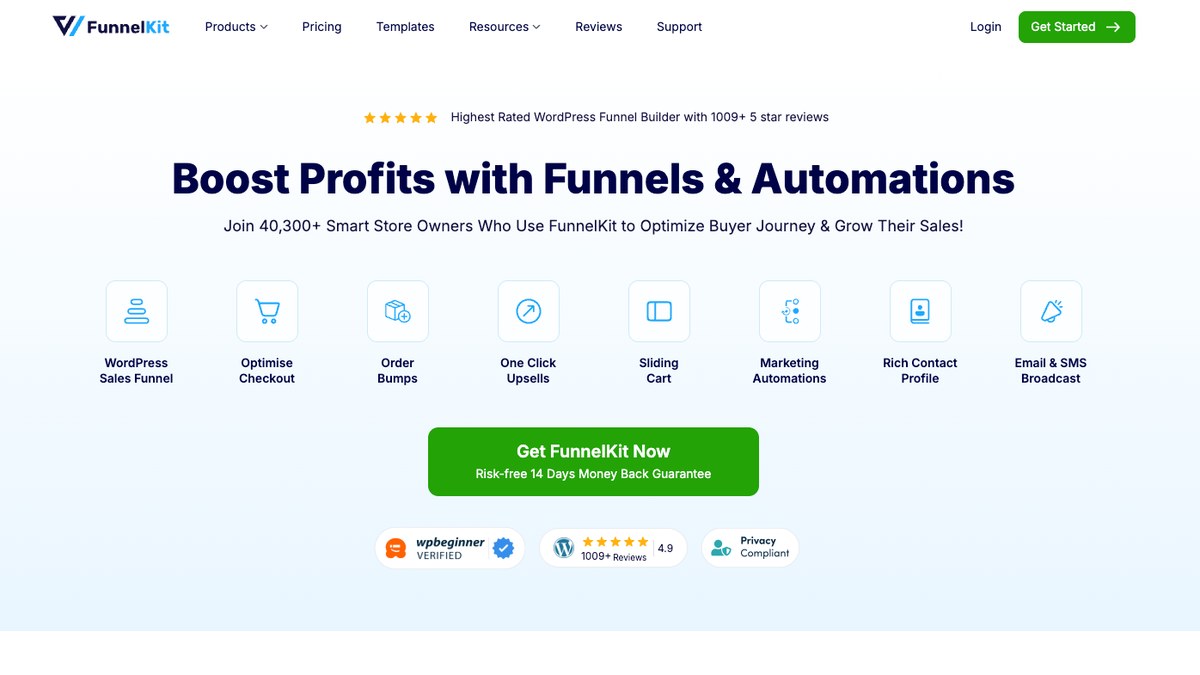
FunnelKit gives you more control over what happens when a shopper reaches checkout. You can build custom checkout pages, add an order bump, and follow an order with a one-click upsell. It also includes sales and thank-you pages for longer funnels.
For a store selling coffee machines, that could mean an offer for capsules at checkout and a second accessory offer after payment.
Features
- Replace the usual WooCommerce checkout with single-step or multi-step layouts.
- Add order bumps so shoppers can include an extra product before they pay.
- Present one-click post-purchase offers through supported payment gateways.
- Target offers using products, categories, order values, and funnel conditions.
- Run A/B tests to compare checkout pages and upsell offers.
- Review funnel visits, conversion rates, and revenue to spot weak steps.
You can build a funnel around one product and test whether a checkout bump or a follow-up offer produces more add-on sales.
Performance
FunnelKit says its updates have reduced repeat checkout calculations, simplified field rendering, and combined database queries. It also discusses caching compatibility, though it has not published an independent speed comparison with every competing plugin.
Pros
- Checkout design and post-purchase selling sit in the same system.
- Offer rules, A/B testing, and reports help you assess each funnel.
- Templates save time when you need several funnel pages.
Cons
- Order bumps, one-click upsells, and A/B testing need the Plus plan or higher.
- A full funnel takes more setup than a simple related-product section.
Supported placement
You can show offers during checkout, on post-purchase and thank-you pages, and through FunnelKit Cart for cart recommendations.
Compatibility
FunnelKit works with WooCommerce and page builders including Elementor, Divi, Bricks, Oxygen, and Gutenberg. It supports popular payment integrations and WooCommerce Subscriptions, but one-click offers need a compatible gateway.
Best for
Choose FunnelKit if you plan to rebuild checkout and guide buyers through several offers. It is especially useful when post-purchase upsells matter as much as the first sale.
3. CartFlows
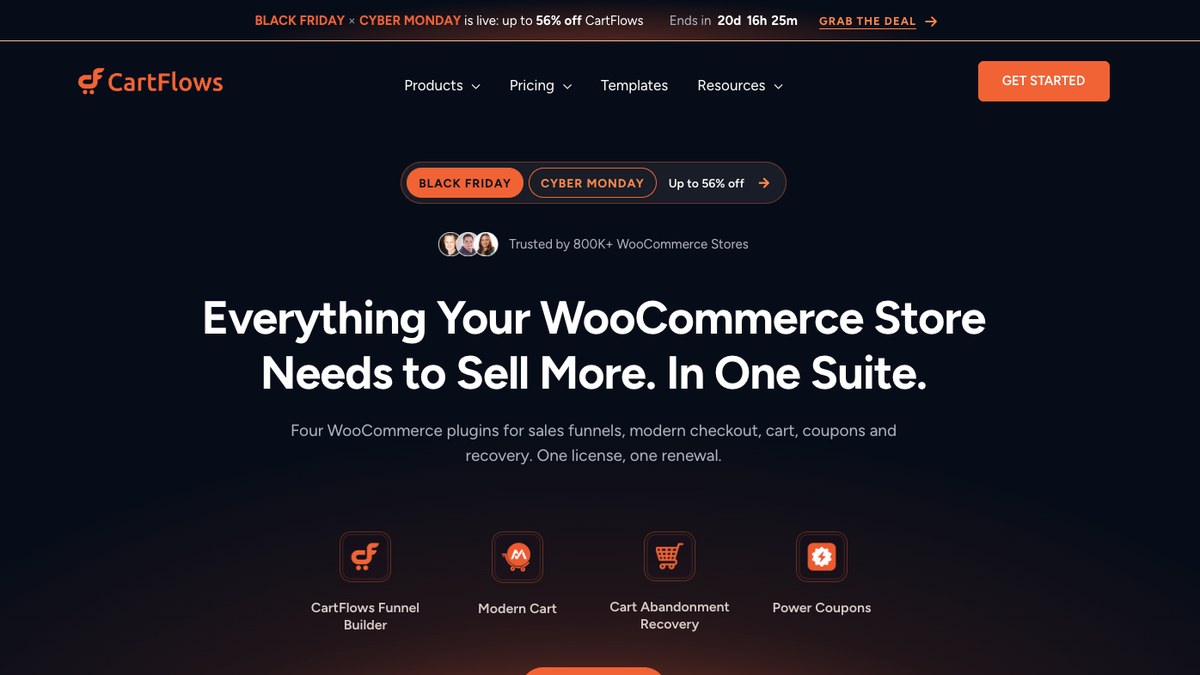
CartFlows also builds sales funnels, but it puts a lot of attention on pages you can design with familiar WordPress builders. You can start from a template, change the checkout, and add offers before or after the customer pays.
That works well for a course launch. You might sell the course on a landing page, add a workbook at checkout, and suggest another course after purchase.
Features
- Start from funnel templates instead of building checkout and offer pages from scratch.
- Use one-page, two-step, or multi-step checkout layouts for different campaigns.
- Show dynamic order bumps based on cart details and other conditions.
- Offer one-click upsells or downsells after checkout with supported payment methods.
- Add Frequently Bought Together suggestions on product pages.
- Compare funnel variations with A/B testing and conversion reports.
You can give a campaign its own checkout and offers without changing the checkout used by the rest of the store.
Performance
CartFlows says its checkout designs remove unnecessary steps for shoppers. Its changelog also records changes to backend requests and funnel processing, but there is no independent benchmark here that measures its effect on every store.
Pros
- Templates work with popular page builders.
- You can put order bumps and post-purchase offers in the same flow.
- Testing and analytics help you compare your campaigns.
Cons
- Dynamic bumps, one-click upsells, and A/B tests are paid features.
- Separate funnel steps add work if you only want simple product suggestions.
Supported placement
CartFlows supports product-page Frequently Bought Together offers, checkout order bumps, and post-purchase funnel pages.
Compatibility
It works with WooCommerce and builders such as Elementor, Gutenberg, Bricks, Divi, Beaver Builder, and Spectra. One-click offers depend on a compatible payment gateway, so check your current payment setup first.
Best for
CartFlows makes sense for stores that sell through landing pages or focused campaigns. It is a good fit when each campaign needs its own checkout and follow-up offers.
4. Upsell Funnel Builder by WP Swings
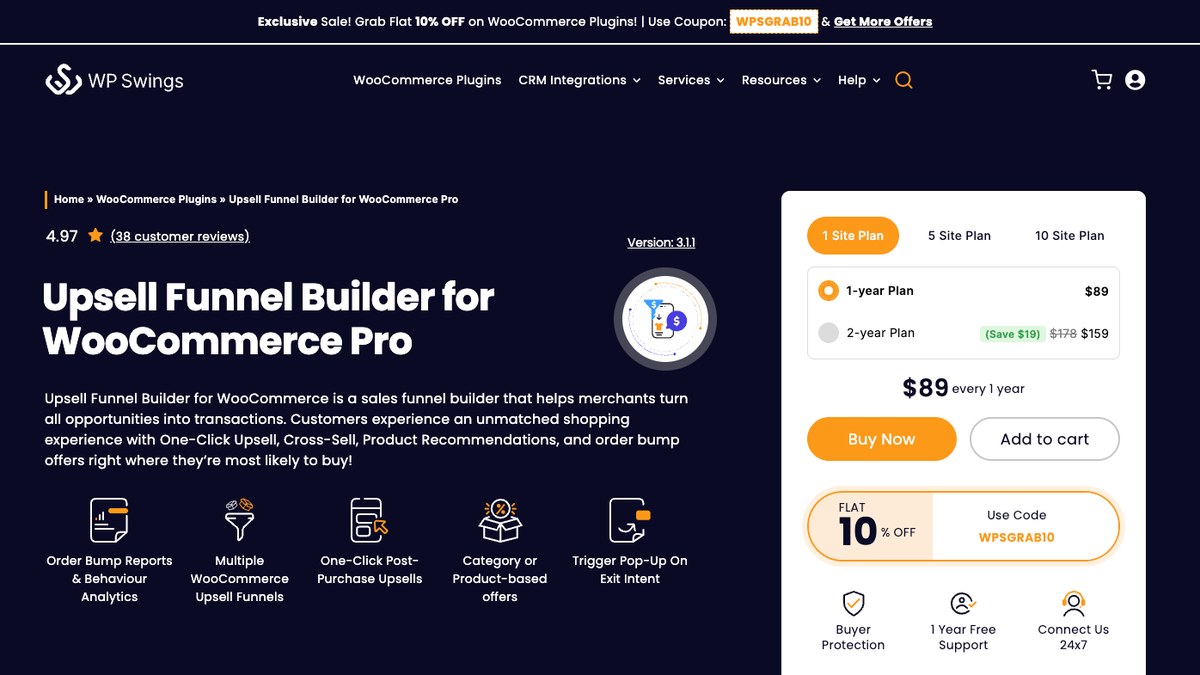
WP Swings brings order bumps and post-purchase offers into one plugin. It combines tools from the developer’s earlier One Click Upsell Funnel and Order Bump products, so you can manage both kinds of offers in one place.
You can tailor an offer to a product or category. A laptop shopper, for example, might see a bag at checkout and another accessory after ordering.
Features
- Place an order bump at checkout to suggest a small extra purchase.
- Show a one-click offer after the first order through supported payment flows.
- Match offers to products, categories, or purchase conditions.
- Use templates and supported page builders to design offer pages.
- Present another offer when a customer declines the first one.
- See accepted offers, funnel activity, and sales in campaign reports.
You can start with one order bump, then add a follow-up offer when you know which accessories buyers choose.
Performance
The WP Swings changelog records fixes for offer display, discounts, and funnel-related issues. Those updates show maintenance work, but the official pages do not include comparable checkout speed measurements.
Pros
- Checkout bumps and post-purchase funnels share one tool.
- Product rules let you tailor offers to different purchases.
- Reports show how customers respond to your offers.
Cons
- Several offer types and advanced integrations need Pro.
- Post-purchase payments only work with supported gateways and settings.
Supported placement
The plugin supports offers on relevant product and checkout pages, post-purchase funnel steps, and thank-you pages, depending on the campaign.
Compatibility
WP Swings lists WooCommerce HPOS and Cart and Checkout block support. Its page-builder integrations include Elementor, Divi, WPBakery, Beaver Builder, and Gutenberg, while post-purchase payments need compatible gateways.
Best for
Use it when your main goal is to add checkout bumps and follow-up offers. It suits stores that want funnel reporting without using a separate tool for each offer type.
5. UpsellWP by Flycart
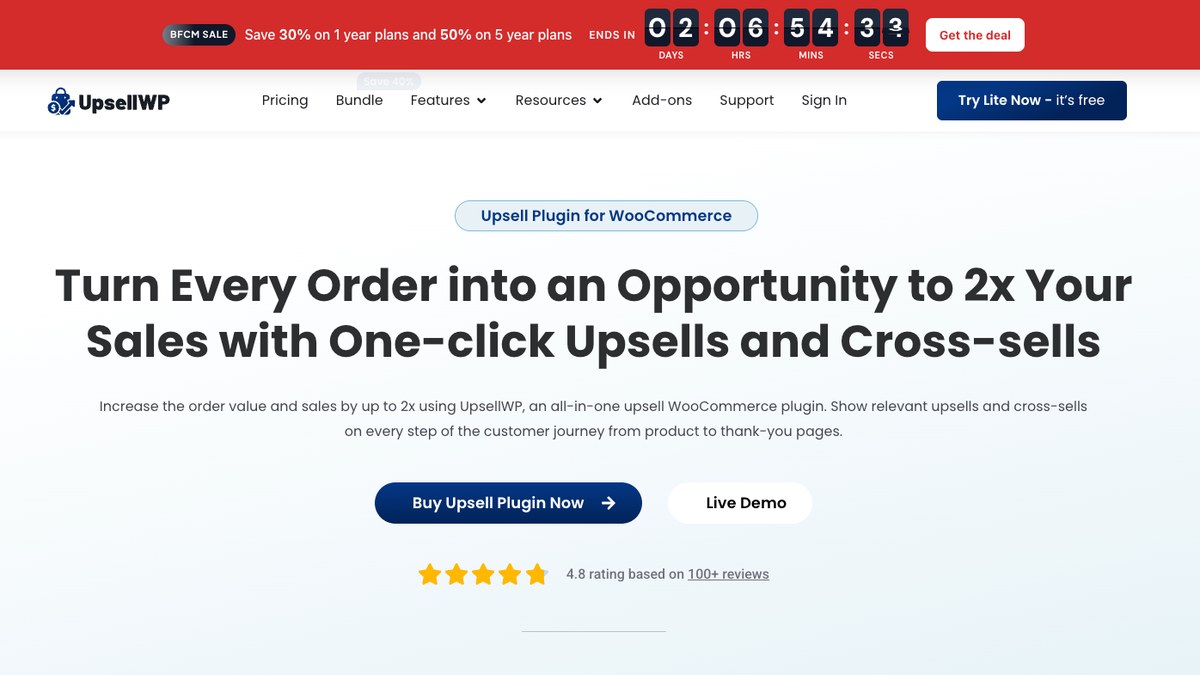
UpsellWP covers several moments when a shopper may be open to another product. You can show matching items on a product page, offer extras in the cart, and suggest something else at checkout. Pro adds more ways to sell after the first order.
Imagine someone buying shoes. You could show socks in the cart, then recommend shoe care at checkout.
Features
- Add checkout order bumps without sending shoppers to a separate product page.
- Show cart cross-sells while customers review what they plan to buy.
- Group related items in Frequently Bought Together offers.
- Choose when campaigns appear using cart totals, products, and customer rules.
- Run post-purchase offers with Pro after the original order.
- Use campaign reports to track views, conversions, and revenue.
A simple cart recommendation may be enough to start. You can add more campaigns after learning which items customers buy together.
Performance
The UpsellWP changelog includes changes to stock handling, order metadata, and campaign stability. The developer also lists SiteGround Speed Optimizer compatibility, but does not provide an independent page-speed comparison.
Pros
- It reaches shoppers on product, cart, and checkout pages.
- The free version includes order bumps and Frequently Bought Together offers.
- Campaign rules and reports help you manage several offers.
Cons
- Post-purchase offers, A/B testing, and some advanced suggestions require Pro.
- Several campaign types can become harder to manage as the store grows.
Supported placement
You can show offers on product, cart, and checkout pages, with popup, post-purchase, and thank-you placements in Pro.
Compatibility
UpsellWP lists support for WooCommerce Cart and Checkout blocks, simple and variable products, and subscriptions. It also lists WPML and Loco Translate support for multilingual stores.
Best for
UpsellWP suits stores that want suggestions at several shopping stages. Start here if cart cross-sells and checkout bumps are your priority, rather than full landing-page funnels.
6. Merchant by aThemes
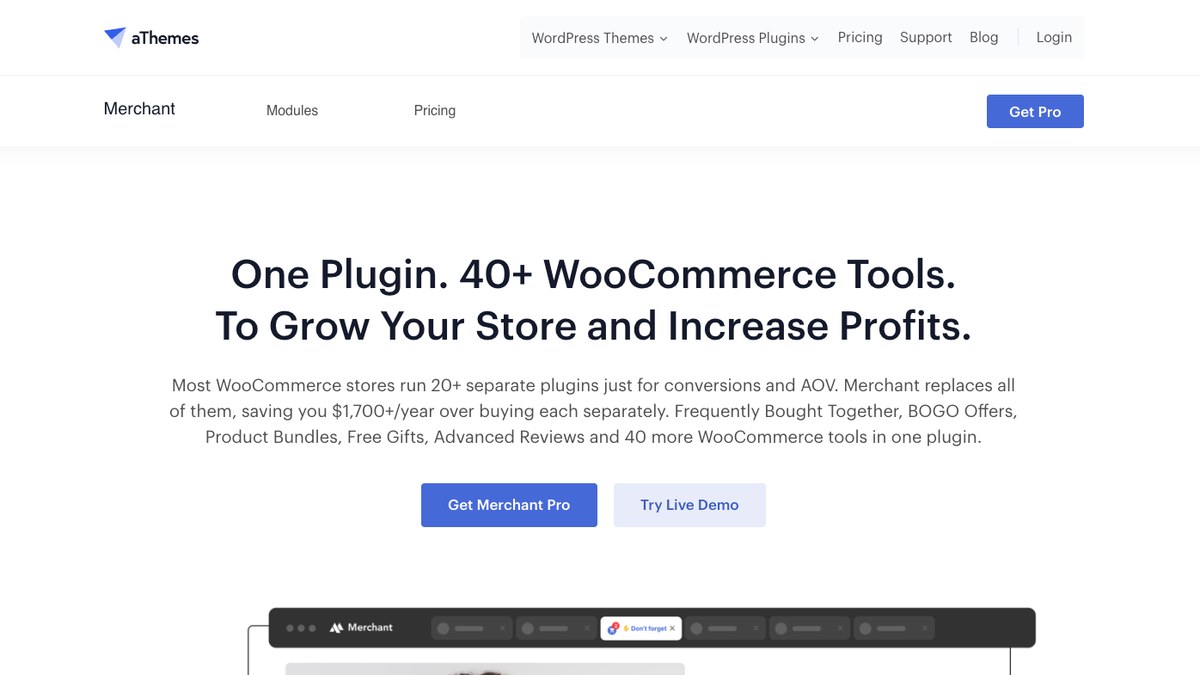
Merchant is a collection of WooCommerce selling tools you can switch on as needed. It includes product recommendations, discounts, bundles, and cart features. You do not have to activate every module to use the one you want.
If your shop already has several small plugins for promotions, Merchant may let you manage some of those jobs from one dashboard. Its recommendation tools include Frequently Bought Together offers and suggestions in the side cart.
Features
- Group complementary products in Frequently Bought Together offers.
- Suggest matching items and add discounts with supported complementary-product modules.
- Display upsells inside the side cart while shoppers review their orders.
- Open a product offer after someone adds an item to the cart.
- Sell related items as bundles with supported custom pricing options.
- Track views, conversions, and revenue from eligible Pro campaigns.
A clothing shop could suggest a belt after someone adds trousers. The same store could use a separate module to show a free-shipping goal in the cart.
Performance
According to aThemes, Merchant loads the modules you turn on rather than loading every feature across the storefront. The developer reports PageSpeed scores of 100 on desktop and 98 on mobile in specific demo tests; those figures are not a guarantee for your store.
Pros
- Several recommendation and promotional tools live in one plugin.
- You can leave unused modules off.
- Pro provides reporting for supported campaigns.
Cons
- Frequently Bought Together, bundles, and other advanced modules require Pro.
- The broad feature set may be too much if you need one related-product section.
Supported placement
Merchant can show offers on product pages, in added-to-cart popups, and inside the side cart, depending on which modules you use.
Compatibility
Merchant is built for WooCommerce, and the developer tests it with commonly used themes and builders. Check its cart and checkout modules against your existing extensions before enabling overlapping features.
Best for
Merchant suits stores that want product suggestions alongside other sales tools, such as discounts and bundles. It may save you from managing several separate plugins that do similar jobs.
7. YITH Frequently Bought Together
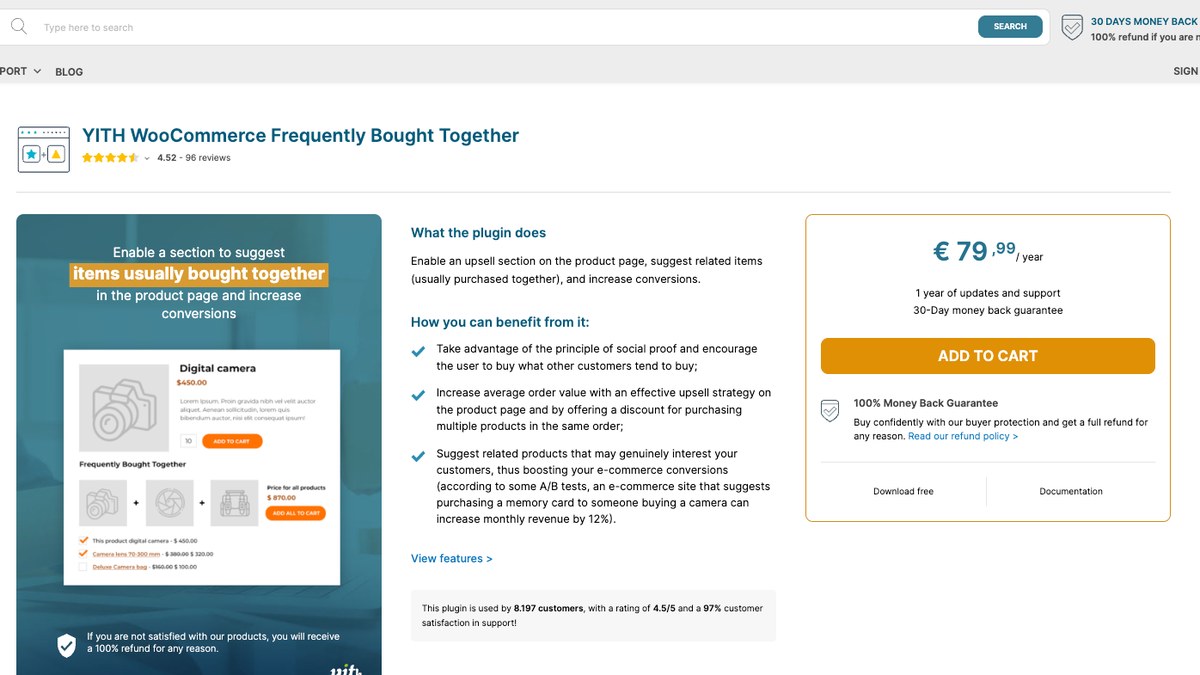
YITH Frequently Bought Together keeps the offer close to the product a customer is already considering. It displays a group of related items, lets the shopper choose the ones they want, and adds the selection to the cart.
Think of a camera product page that offers a case and memory card underneath the main item. The shopper sees the complete set without visiting three separate pages.
Features
- Show complementary products together on the main product page.
- Pick recommended items manually when you know which products go well together.
- Use automatic suggestions based on categories, tags, upsells, or cross-sells in Premium.
- Offer fixed or percentage discounts on eligible product combinations.
- Let shoppers choose sizes or colors through the Premium variation selector.
- Move offer sections to supported page positions or insert them with a shortcode.
You can start with a small set of product pairs and change the suggestions as your catalog grows.
Performance
WordPress.org reviews mention both good experiences and older problems involving variations or shortcodes. YITH continues to publish WooCommerce compatibility updates, but its official pages do not provide independent speed comparisons.
Pros
- The buying experience is easy to understand on a product page.
- You can hand-pick items that genuinely belong together.
- Premium adds automatic suggestions, discounts, and variation selection.
Cons
- Many recommendation rules and display controls require Premium.
- It does not build checkout bumps or post-purchase funnels.
Supported placement
You can place Frequently Bought Together offers on product pages or use the plugin’s shortcode on other pages.
Compatibility
YITH lists integrations with WooCommerce and compatible YITH products such as Wishlist and Added to Cart Popup. Premium supports variable products, but it cannot automatically match suggested variations to the main product’s selected attributes.
Best for
Choose YITH if your products naturally go together and most shoppers decide what to buy on the product page. It gives you a focused recommendation format without a checkout funnel.
8. CheckoutWC
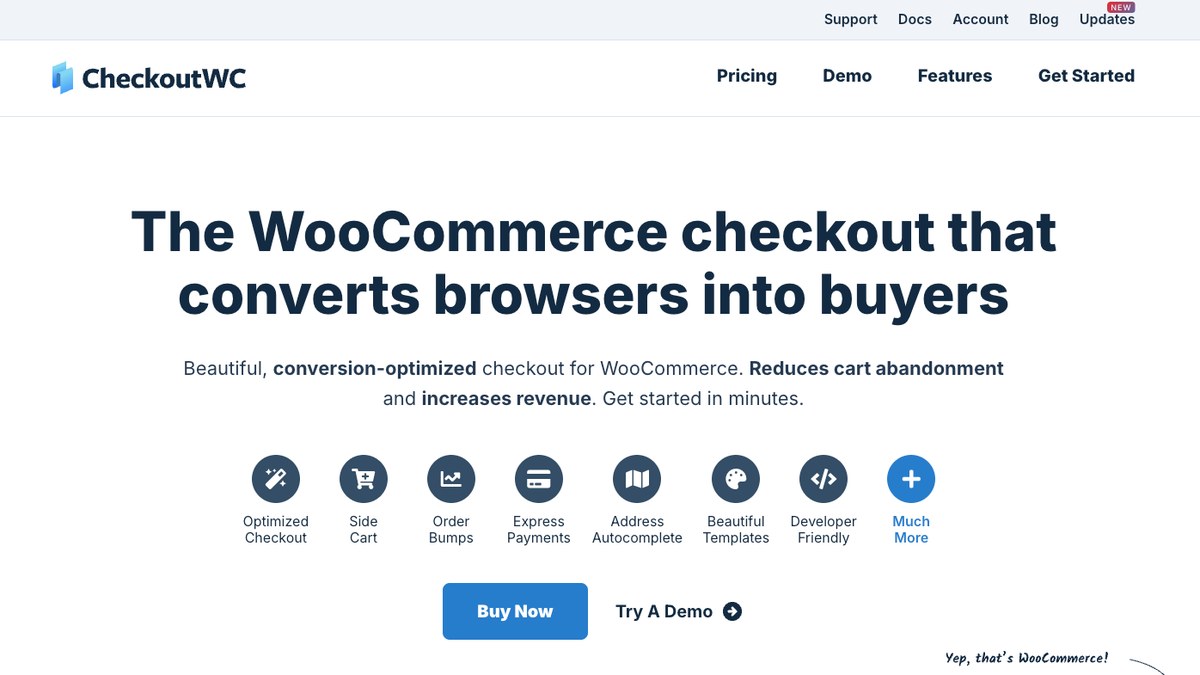
CheckoutWC is for stores that want to change how checkout looks and works. It replaces the standard WooCommerce checkout with its own layout. Paid plans add order bumps, post-purchase offers, and a side cart.
A furniture seller might offer a care kit next to the checkout form. With a supported saved payment method, the store can also show an offer after the initial order.
Features
- Use a one-page or multi-step checkout layout that works on mobile screens.
- Add checkout order bumps based on cart items, categories, or other conditions.
- Show post-purchase one-click offers to eligible customers with saved payment methods.
- Suggest products inside the side cart without sending shoppers to another page.
- Support express payment methods through compatible gateways.
- Compare paid-plan order bump variations with A/B testing.
You can keep the care-kit offer near checkout and avoid making shoppers return to the product page to add it.
Performance
CheckoutWC describes its checkout as lightweight and designed to reduce unnecessary steps on mobile. The WordPress.org listing mentions customer-reported conversion gains, but those reports do not prove that it loads faster than WooCommerce’s standard checkout.
Pros
- Checkout design and upsell tools are available from the same provider.
- The free version includes a multi-step checkout and express payment support.
- Paid plans let you choose order bump positions and test offers.
Cons
- Order bumps, side-cart upsells, and post-purchase offers need a paid plan.
- One-click offers require compatible gateways and saved payment methods.
Supported placement
CheckoutWC can show offers around checkout fields, inside its side cart, and after purchase on the thank-you page.
Compatibility
CheckoutWC lists integrations with payment providers such as Stripe, PayPal, Square, and Authorize.net. It can work alongside WooCommerce blocks on other pages, but it replaces the block checkout with its own templates.
Best for
CheckoutWC is a good fit when your checkout itself needs work, and you also want to suggest extras there. Choose it for the checkout experience first, with upsells as an added benefit.
9. WebToffee Related Products for WooCommerce
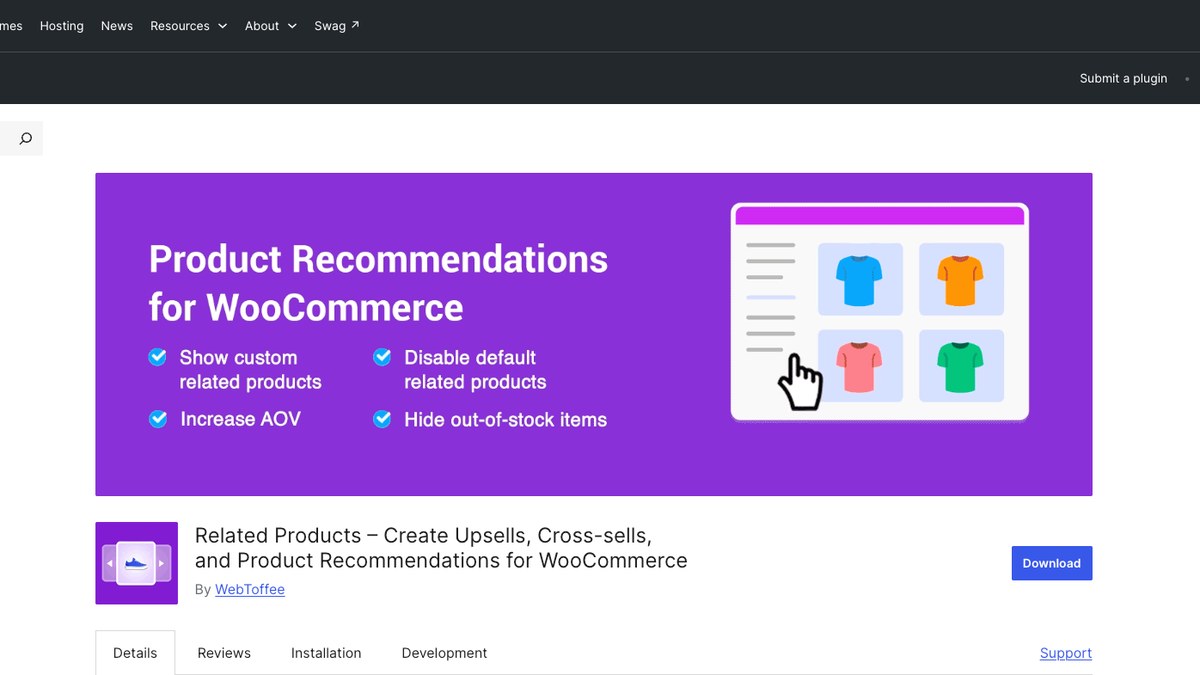
WebToffee Related Products gives you more say over the products WooCommerce shows in its related-items section. You can pick suggestions yourself or use categories, tags, and attributes to find matches.
For example, a bedsheet page can show pillowcases in the right size or style. You can leave out products that are out of stock, so shoppers do not click through to something they cannot buy.
Features
- Replace automatic WooCommerce related items with recommendations you select.
- Match products from relevant categories or subcategories.
- Find suggestions using product tags and attributes.
- Choose specific products for a section when automatic matching is not enough.
- Exclude out-of-stock items from related-product suggestions.
- Use sliders and shortcodes to change how or where items appear.
If your current related-products section often shows poor matches, this plugin gives you a way to correct them without building a sales funnel.
Performance
WebToffee’s WordPress.org changelog records compatibility updates, including testing with WooCommerce 11.2.1. It does not publish an independent page-load benchmark for the free Related Products plugin.
Pros
- You can control the suggestions that replace WooCommerce defaults.
- Category, tag, attribute, and manual choices cover several catalog types.
- Sliders, shortcodes, and stock exclusions give you extra display control.
Cons
- The free plugin mainly handles related-product displays.
- More advanced rules and shopping-page placements require WebToffee’s separate premium plugin ($89/year), which is also named “WooCommerce Product Recommendations.” It is a different product from Woo’s own extension at #10.
Supported placement
The free plugin works on product pages and in shortcode locations, while WebToffee’s separate premium plugin ($89/year) adds shop, cart, checkout, and other pages.
Compatibility
WebToffee Related Products supports WooCommerce, WPML, and block-based themes. The developer also describes compatibility with WooCommerce product imports and supported related-product import tools.
Best for
WebToffee suits stores whose main problem is an unhelpful related-products section. Choose it when accurate matches matter more than post-purchase funnels.
10. WooCommerce Product Recommendations
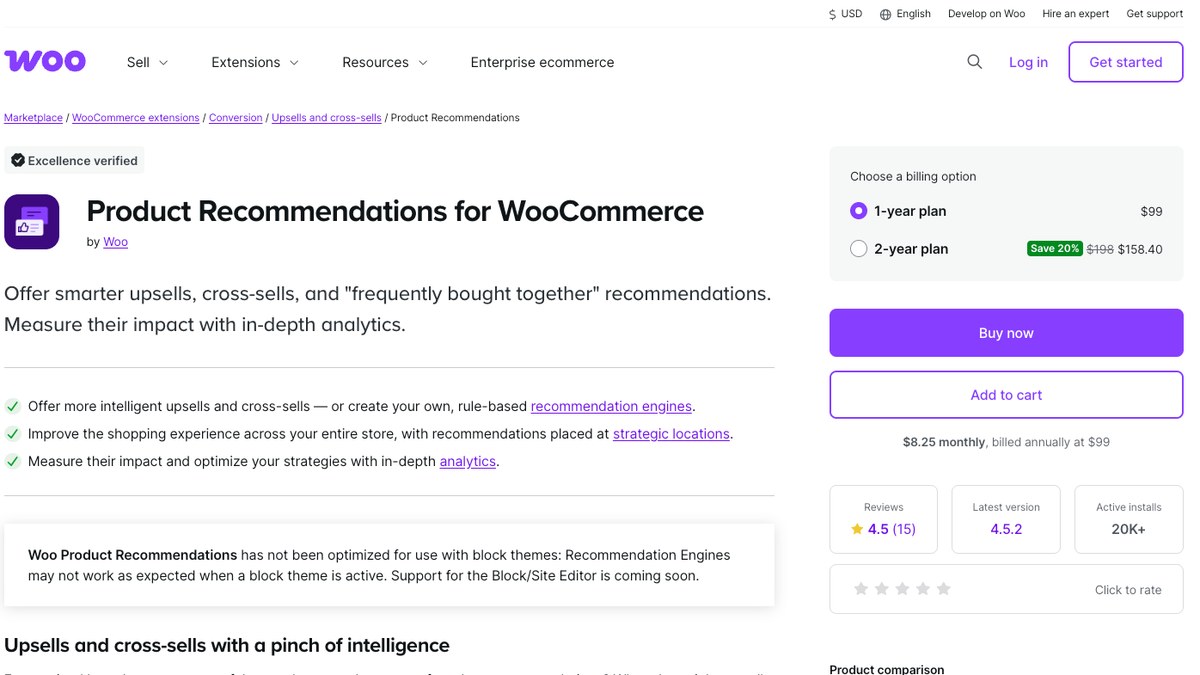
WooCommerce Product Recommendations is a paid extension for stores that need detailed rules across many products. Instead of choosing an upsell for each item, you build a recommendation engine that selects products based on your conditions.
A shoe store could set a rule to suggest higher-priced models when someone views an entry-level pair. That rule can apply to several products, so the team does not need to maintain each suggestion separately.
Features
- Build recommendation engines that apply across groups of products and pages.
- Filter suggested items by category, price, stock status, and other product data.
- Sort recommendations by ratings, popularity, and supported criteria.
- Show offers in different shop, product, cart, and checkout positions.
- Set up Frequently Bought Together strategies for complementary products.
- Measure recommendation clicks, conversions, and attributed revenue.
Once you have a useful rule, you can apply it to a larger part of your catalog and refine it through the reports.
Performance
WooCommerce says the extension caches generated recommendations and processes some regeneration work in the background. Its documentation warns that complex rules, sorting choices, and caching settings can add work or delay results.
Pros
- Rules are practical for a store with many products.
- Filters and sorting options give you detailed control over suggestions.
- Reports help you see how recommendation engines perform.
Cons
- The extension is paid and has no free WordPress.org version.
- Its recommendation engines have limitations with block themes.
Supported placement
Recommendations can appear on shop and category pages, individual product pages, cart pages, checkout pages, and order-received pages.
Compatibility
The extension lists support for WooCommerce HPOS, Cart and Checkout blocks, Product Bundles, Composite Products, and Product Vendors. Its documentation still warns that recommendation engines may not work as expected with block themes.
Best for
WooCommerce Product Recommendations works well when a large catalog makes manual upsells difficult to maintain. It is best for stores that want detailed rules and reports without creating dedicated funnel pages.
How to Measure Upsell Performance
An offer that gets lots of clicks may still earn little money. Watch what customers actually buy, and compare the results with the period before you added recommendations.
Numbers Worth Checking
- Offer acceptance rate: The share of shown offers that customers accept.
- Average order value (AOV): The average amount customers spend per order.
- Revenue per visitor: The average revenue earned from each store visitor.
- Refund rate: The share of orders that customers later refund.
Read the Plugin Reports Alongside WooCommerce Analytics
ShapedRecommend reports views, clicks, conversions, and attributed revenue for recommendations. Look for products that shoppers click and buy, then compare those sales with your WooCommerce Analytics data. Other plugins provide different reports, so check which numbers each one measures before comparing them.
WooCommerce Upsell Best Practices
Recommend Items That Belong Together
A phone case makes sense beside a phone. An unrelated kitchen appliance probably does not. Start with products that solve the next problem your customer is likely to have.
Match the Offer to the Shopping Stage
A shopper comparing product models may appreciate an upgrade. At checkout, a small accessory or gift-wrapping option is easier to consider. After purchase, a refill or replacement item may fit better.
Use Bundles and Free-Shipping Goals Carefully
Group items that customers actually need together. You can also suggest a small item that helps someone reach your free-shipping threshold, but show the full price clearly so the offer does not feel like a trick.
Check the Mobile Experience
Open your product and checkout pages on a phone. Can customers read the offer, see the price, and tap Add to Cart without struggling? ShapedRecommend includes layout controls for different screen sizes, but you should check the result in your theme.
Follow Up When the Timing Makes Sense
Some products lead naturally to repeat purchases. If someone buys a coffee machine, a reminder about replacement filters or coffee supplies may be useful later. Only send follow-up emails to customers you have permission to contact.
Upsell Mistakes That Can Hurt Sales
Too many recommendations compete for attention. Avoid repeating the same product in several blocks or opening popups whenever a shopper takes an action. ShapedRecommend includes recommendation limits and duplicate-product controls to help with this.
Check the impact of every discount. A bundle can increase revenue while leaving you with less profit if the discount is too steep. Also watch page speed, especially when several scripts and popups run together.
Which WooCommerce Upsell Plugin Should You Choose?
Start with the page where you want the offer to appear, then match it to the plugin built for that job. Choose ShapedRecommend if you want rule-based product recommendations across product, shop, cart, and checkout pages, with a free version to try.
If you only need better related items on product pages, YITH or WebToffee will cover it. A large catalog that needs detailed recommendation rules is a better fit for WooCommerce Product Recommendations.
Pick CheckoutWC if your checkout design needs work first. When checkout bumps and post-purchase offers are your priority, go with UpsellWP or WP Swings. FunnelKit and CartFlows suit stores that want dedicated sales funnels with offers after payment. Choose Merchant if you also need bundles and other promotional tools in one plugin.
Start With the Right WooCommerce Upsell Plugin
The best WooCommerce upsell plugin is the one that fits where your shoppers make buying decisions.
If you want to help customers discover more items while they shop, ShapedRecommend lets you set recommendation rules, choose where offers appear, and start free before you add paid features.
Download ShapedRecommend free from WordPress.org
Frequently Asked Questions
How do I add upsells in WooCommerce without a plugin?
Open a product in WooCommerce and go to Product data > Linked Products. Add the products you want in the Upsells field, then update the product.
Do WooCommerce upsell plugins slow down a store?
They can add scripts and database work, so the effect depends on the plugin and your site. ShapedRecommend says it loads storefront scripts where recommendations appear. Check your page speed after enabling any new offer feature.
Do these plugins work with WooCommerce block checkout?
Some do, while others use their own checkout pages. ShapedRecommend declares Cart and Checkout block compatibility. Check the official documentation for your chosen plugin and the specific offer type.
Can I use more than one upsell plugin?
Yes, but avoid showing the same recommendations twice or running two tools that change checkout in different ways. Test the combination on a staging site first.
Where should I show an upsell offer?
Use product pages for upgrades and frequently bought together items. Cart pages work well for accessories, while checkout bumps fit small optional additions. The best location is where the offer makes sense to the shopper.
Is a free WooCommerce upsell plugin enough?
A free plugin may be enough for basic product suggestions or a simple checkout offer. Check the free feature list first, because advanced targeting, analytics, and post-purchase offers often need a paid plan.

Leave a Reply