
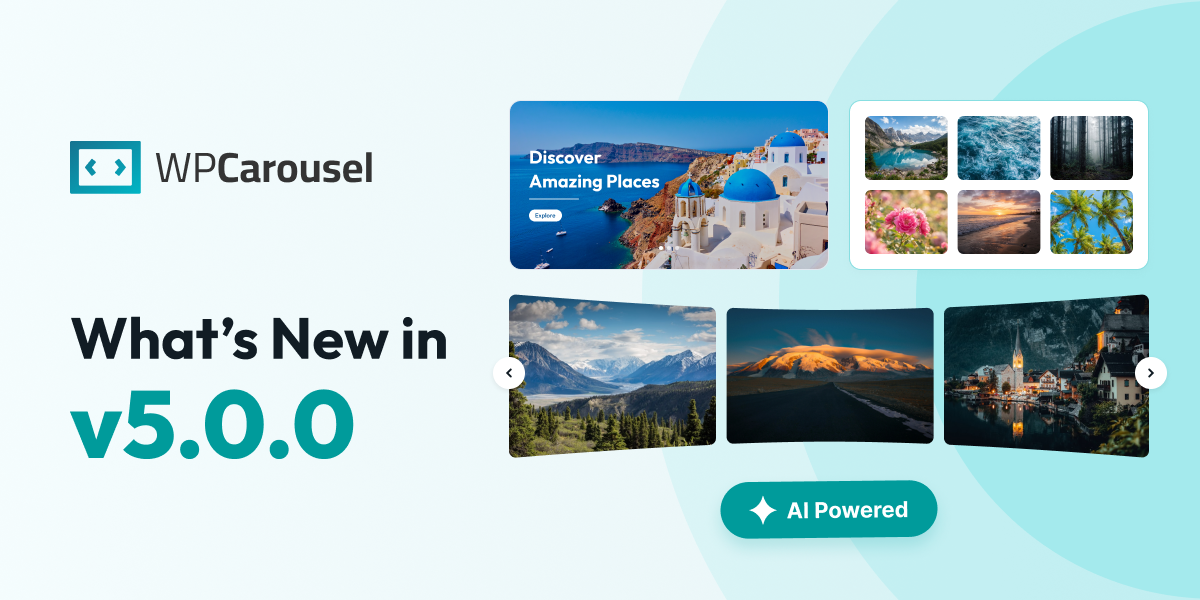

We have some incredibly exciting news to share with you today. WP Carousel has just received its biggest and most powerful update yet, and we simply cannot wait for you to try it.
This release is packed with brand-new blocks, smart modules, AI-powered tools, and seamless integrations that will change the way you build carousels and galleries on your WordPress site. Whether you are a beginner or a seasoned developer, there is something here for everyone.
Let’s take a tour of everything new.
Meet New AI Carousel Builder
One of the features we are most excited about is the AI Carousel Builder. This brilliant tool supports OpenAI, Anthropic, Gemini, and Grok, so you can use your favorite AI provider to generate carousel layouts and content.
Imagine simply describing what you want, and watching the AI build it for you. It is like having a personal design assistant available 24/7. Whether you need inspiration or a fully finished carousel, the AI Carousel Builder has you covered.
6+ Brand-New Blocks
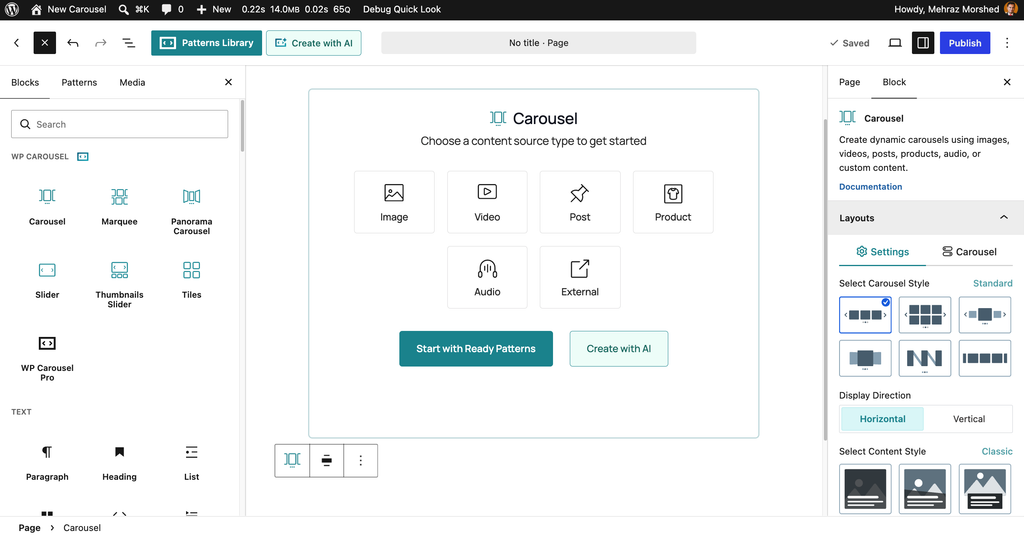
We have expanded your creative toolkit with six powerful new blocks. Each one is designed to give you more ways to display your content beautifully.
Carousel Block
The Carousel Block now supports six different source types: Images, Videos, Audio, Posts, Products, and External Feeds. This means you can mix and match all kinds of content in a single carousel. Want to show your latest blog posts alongside your product photos? Now you can.
Marquee Block
The Marquee Block brings a lively, scrolling ticker effect to your site. It supports both horizontal and vertical scrolling, six source types, and five content styles. It is perfect for landing pages where you want to pack a lot of visual interest into a small space.
Panorama Carousel Block
The Panorama Carousel Block is designed for wide, immersive displays. It offers three content styles specifically for images and videos, making it ideal for showcasing breathtaking photography or cinematic video content.
Slider Block
The Slider Block has been supercharged with ten different slider styles and three content styles. With so many options, you can create anything from a subtle fade to a dramatic, attention-grabbing showcase.
Thumbnails Slider Block
The Thumbnails Slider Block gives your visitors a preview of what is coming next. It includes four thumbnail layouts, two content styles, and six active thumbnail styles, so you have complete control over how your gallery navigation looks and feels.
Tiles Block
The Tiles Block is perfect for creating stunning, magazine-style layouts. It comes with nine preset layouts, drag-to-resize tiles, and five content styles. You can build a unique, eye-catching grid in minutes.
Child Blocks: Gallery Filter and AJAX Search
We also added two new child blocks: Gallery Filter and AJAX Search. These make it effortless for your visitors to browse through large galleries and find exactly what they are looking for.
Powerful New Modules
Beyond blocks, we have added several modules that give you even more control over your carousels.
Ready Patterns Library
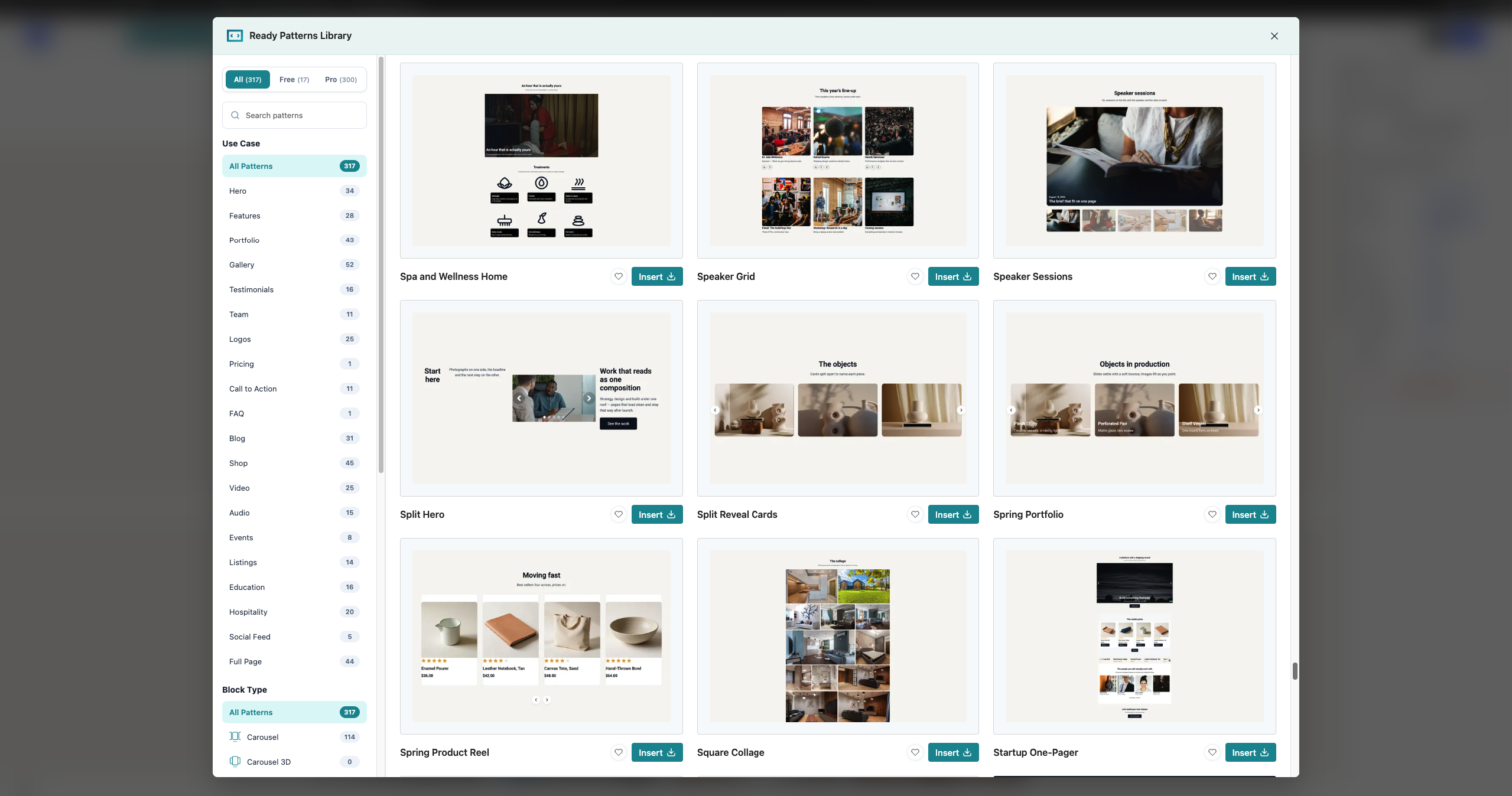
The Ready Patterns Library is your new best friend if you want to skip the design work. It comes with pre-designed layouts organized into categories, a favorites system, and a live preview drawer. Just pick a pattern, and it is ready to go.
Lightbox Module
The Lightbox Module provides a beautiful, responsive popup view for your images and media. It includes global settings, a built-in icon library, and handy share buttons, so your visitors can enjoy your content up close and share it with others.
Watermark Module
The Watermark Module lets you add custom text or image watermarks to your media. This is a fantastic way to protect your work and keep your brand visible.
Saved Templates Module
The Saved Templates Module lets you reuse your favorite carousels anywhere on your site. Simply convert any block into a shortcode, and you can drop it into any page or post.
Hover Animations, Motion Effects, Visibility & Scheduling, and More
We also added Visibility & Scheduling, Hover Animations, and Motion Effects modules. These give you fine-grained control over when your carousels appear, how they react when someone hovers over them, and what kind of motion effects they use. Your carousels will feel truly alive.
Seamless Integration with Popular Page Builders
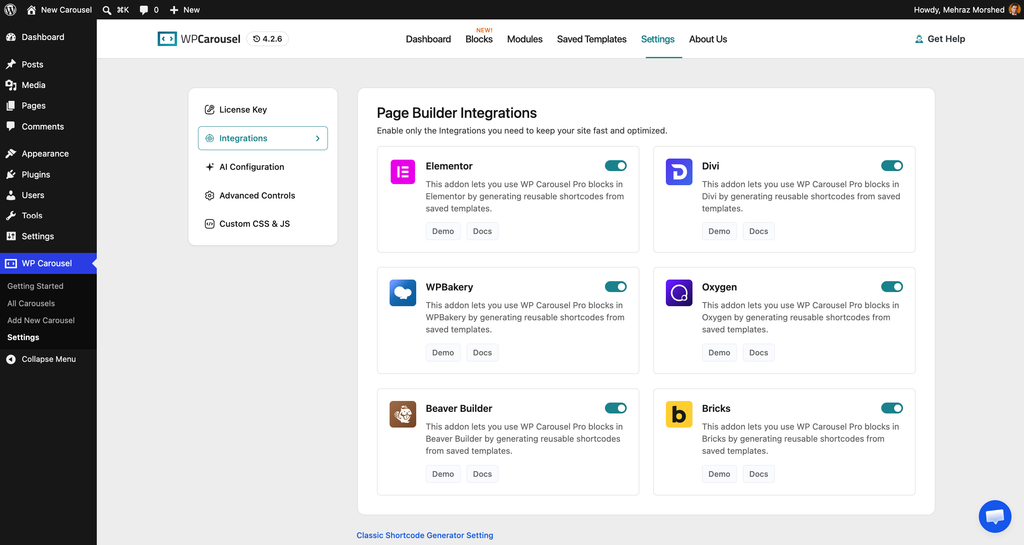
We know how important it is to work with the tools you already love. That is why WP Carousel now integrates with Divi, Divi 5, Bricks, Beaver Builder, Oxygen, and WPBakery.
You can now drag and drop our blocks directly inside your favorite page builder and style them exactly the way you want. No more switching between tabs or wrestling with shortcodes. Everything just works.
More Content Sources Than Ever Before
Variety is the spice of life, and we have added plenty of it. You can now pull content from images, videos, audio, documents, posts, products, and external feeds.
We also added some advanced features for power users. You can now password-protect your carousel blocks, use AJAX pagination for the Tiles block, and even transform your existing core Image and Gallery blocks into WP Carousel blocks with a single click.
For those who love extra flair, we included premium slider effects like Fashion, Super Flow, Slicer, and WebGL. We also added taxonomy filters for post and product carousels, focal point picking for perfect image cropping, and a secure video embed proxy.
A Completely Revamped Dashboard
The WP Carousel dashboard has been rebuilt from the ground up to be faster, cleaner, and easier to navigate.
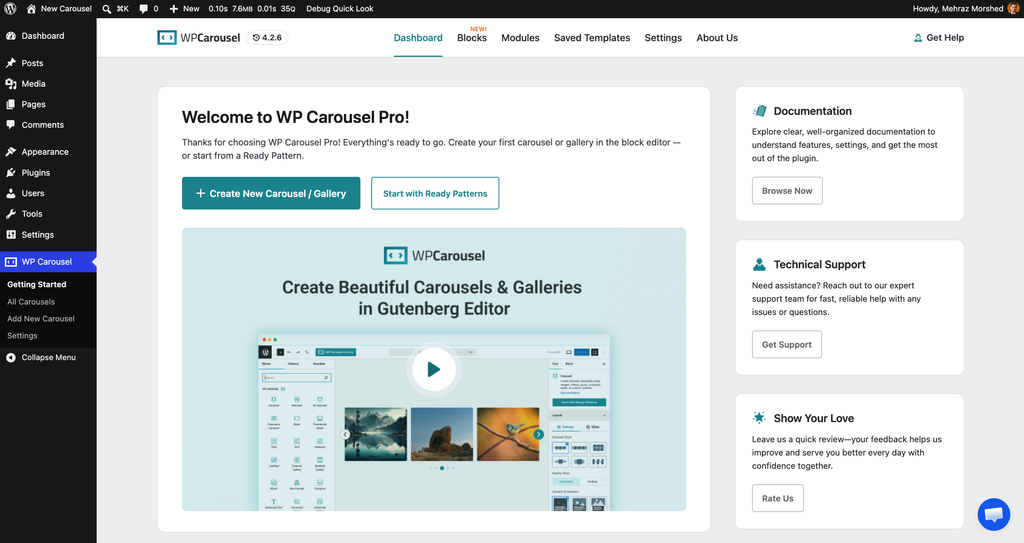
It now includes dedicated pages for:
We also added a Setup Wizard to help new users get started in minutes, plus REST API endpoints for developers who want to extend the plugin even further.
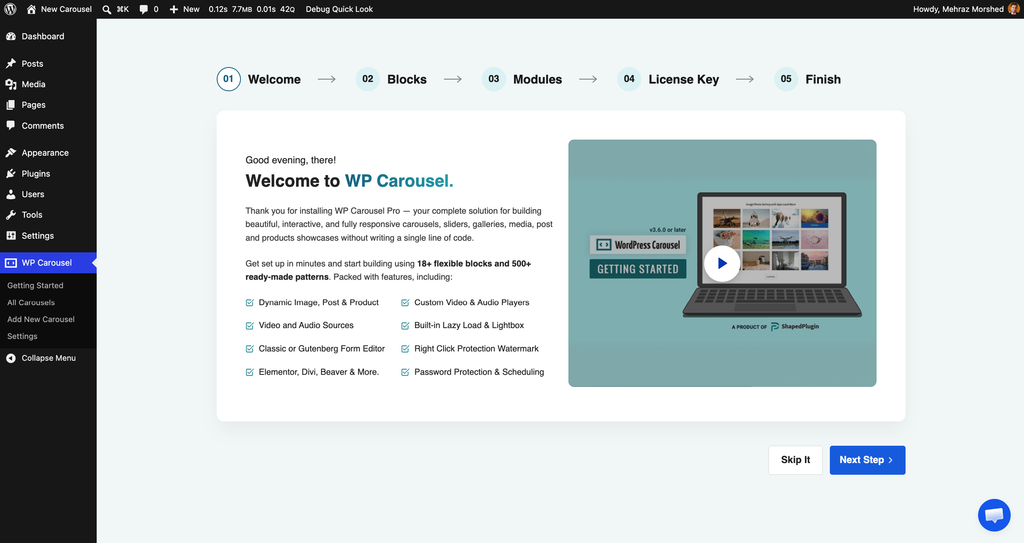
Improved Experience
We have moved the Tool page to the classic shortcode settings page, so everything is right where you expect it to be.
We also improved the license activation process to make it smoother and more transparent. The license card has been rebuilt around your licensed site for added security.
We have tested WP Carousel with WordPress 7.1 to ensure a smooth, reliable experience for everyone. This update is all about giving you more power and flexibility while keeping things simple and intuitive.
How to Get the Update
Updating is easy. Just log in to your WordPress dashboard and click the update link for WP Carousel. If you have any questions or need a helping hand, our support team is always here for you.
We are incredibly proud of this release, and we cannot wait to see what you create with these new tools. Thank you for being a valued user of WP Carousel. Your feedback and support make everything we do possible.

Leave a Reply